Did you know over 50% of first-time PC builders face issues because they didn’t check case sizes, RAM height, or motherboard connectors? This shows how important it is to know the basics before starting. By avoiding common mistakes, you can avoid a lot of trouble and make building your PC a fun experience.
I’ve been through the highs and lows of building a computer myself. I learned how vital it is to plan well and understand each part. This article will help you avoid common mistakes. It’s key for both beginners and those looking to improve their skills to know these mistakes. This way, you can build a PC that works well for a long time.
Key Takeaways
- Most builders experience compatibility issues due to not checking dimensions and specifications.
- Proper planning is essential to avoid costly errors in parts installation.
- Neglecting power supply quality can lead to inefficiencies and overheating.
- Installing components without pre-assembly tests increases the chance of mistakes.
- Understanding thermal management helps prevent overheating issues during operation.
- Choosing the right components is key to better performance and avoiding problems.
Understanding the Basics of PC Building
Building a PC starts with understanding the basics. It’s key to plan well and check that all parts fit together. Sadly, up to 30% of new builders face problems because of parts that don’t match.
This shows how important it is to do your homework before starting. Researching well can make all the difference.
Importance of Proper Planning
Before you start, take time to look at all the parts you need. Knowing about the CPU, motherboard, power supply, RAM, storage, and cooling is vital. It helps you make smart choices.
But, about 45% of builders skip this step. This can lead to spending too much money and getting parts that don’t work well together. Knowing what you need can make building easier and avoid many problems.
Components Overview
Knowing your parts well is a big help. For example, not connecting all cables can cause problems at start-up. This affects almost 35% of new builders.
Having a clear idea of what you need helps check if parts work together and have enough power. About 40% of builders use a PSU calculator to check power needs. Paying attention to each part makes building a PC fun and successful.
Common PC Build Mistakes to Avoid
Building a PC can be very rewarding. But, many common mistakes can make it harder. Knowing these mistakes ahead of time can save a lot of trouble. It makes the whole process better and the final product better too.
Choosing Incompatible Parts
Many beginners run into problems because they don’t check if parts are compatible. This is true for CPUs and motherboards. About 58% of first-time builders face this issue. It’s key to make sure all parts work well together.
Using tools like PC part pickers or checking the manufacturer’s guidelines can help avoid these mistakes.
Neglecting Power Supply Quality
Many builders overlook the power supply’s quality. This can cause system instability. Choosing a low-cost, low-quality power supply can harm your system’s reliability and performance.
Looking for an 80 Plus certification is a good idea. It ensures your build has a solid foundation.
Forgetting Motherboard I/O Shield
Not installing the motherboard I/O shield is a common mistake. It happens in 45% of DIY PC builds. Skipping this step can lead to having to take everything apart again.
Installing it right saves time and keeps your system cool. It also protects your components from damage.
Improper CPU Installation
Installing the CPU wrong can cause big problems. About 30% of new builders make mistakes like misaligning pins or not securing the CPU right. This can damage the pins and might need you to replace them.
Being careful when installing the CPU is important. It helps avoid expensive mistakes and frustration.
Avoiding Common PC Building Errors
Building a PC can be tricky, with some mistakes making it hard to get it right. One big thing is installing standoffs. They keep the motherboard safe and separate from the case. This stops short circuits that could ruin the whole thing.
The Importance of Installing Standoffs
Standoffs are key to protecting the motherboard. They act as a buffer, keeping the board away from the metal case. Without them, I risk electrical shorts that can be very expensive.
Proper Thermal Paste Application
Getting thermal paste right is also vital. For CPUs, I use the “pea-sized” method. Too much or too little can cause overheating. It’s all about finding the right amount for good heat dissipation.
Managing Cable Connections
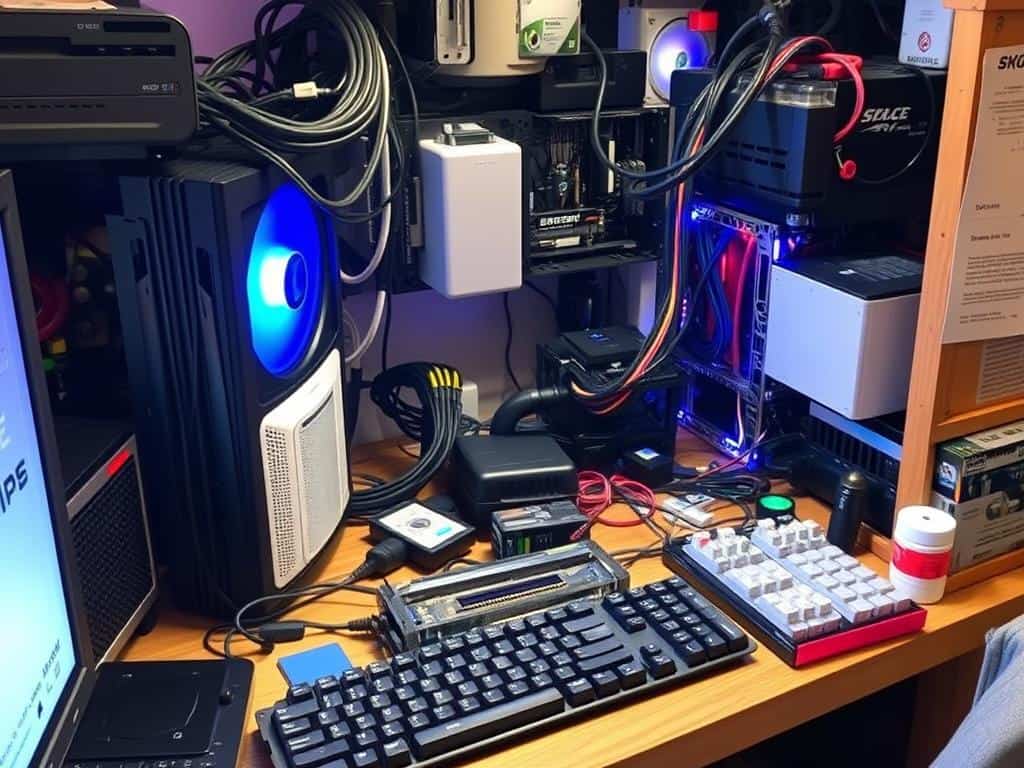
Cable management is important for airflow. I keep cables organized to ensure good airflow. A clean setup looks better and works better, making it easier to upgrade or fix things later.
Conclusion
Building a PC can seem overwhelming at first. But, with the right tips, I can make a successful build and avoid mistakes. Knowing about static electricity and standoffs helps prevent damage and failures.
Planning and following best practices makes the process easier. This guide has been very helpful. It shows how to avoid common errors.
Good cable management is not just about looks. It also improves airflow and cooling. This helps prevent overheating. Testing my build after assembly also ensures it works well.
By following this advice, I can build my PC with confidence. It makes the process enjoyable. I can focus on making a high-performing system.
Remembering to update BIOS/UEFI and apply thermal paste correctly is key. Proper grounding techniques are also important. With the right knowledge, building a PC becomes rewarding.
