Did you know that single-core CPUs are often used in database systems? This shows how important single-core CPUs are, even with the rise of multi-core processors. I will explain the main differences between single-core and multi-core processors and how they affect our computers.
Single-core CPUs process instructions one at a time. They work best when you don’t need to do many things at once. On the other hand, multi-core CPUs have many cores. This means they can handle lots of tasks at the same time, making them more powerful and efficient.
This article will help you understand the differences between these two types of processors. It will show you how they affect your computer’s performance. This knowledge will help you make better choices when it comes to CPU technology.
Key Takeaways
- Single-core CPUs are essential for tasks that don’t require multitasking.
- Multi-core processors greatly improve multitasking and system performance.
- Knowing your workload is key when choosing between single-core and multi-core CPUs.
- Performance between Intel and AMD has become very similar.
- Apps need to be designed to use multi-core processing power fully.
Understanding CPU Architecture
Exploring CPU architecture shows us the big difference between single-core and multi-core processors. Single-core processors have a simple design, with one core handling all tasks. This makes them fast in certain tasks but limits them in multitasking.
The Basics of Single-Core Processors
Single-core processors were common in older computers. They can only do one thing at a time. They work well for simple tasks but struggle with today’s complex multitasking needs.
The Rise of Multi-Core Processors
Multi-core processors are a big step up in CPU design. They have many cores, so they can do lots of things at once. This makes them great for handling complex tasks and multitasking. Now, you see multi-core processors in many devices, like laptops and phones.
CPU Core Types Explained
It’s key to know about CPU core types to choose the right computing setup. Each type has its own strengths and is best for certain tasks. This guide will help you understand how they work and when to use them.
Performance Characteristics
Single-core processors are great for tasks that only need one thread. They’re quick but can’t handle as much as multi-core processors. Multi-core processors, like dual-core or octa-core, are better for handling many tasks at once.
A dual-core CPU can do two things at once. An eight-core CPU can do eight tasks at once. Hyper-threading makes dual-core processors work like two CPUs, boosting performance.
Applications of Single-Core vs Multi-Core
Single-core CPUs are good for simple tasks and older software. But, multi-core CPUs are best for tasks that need lots of power, like video editing and gaming. Most modern games need multi-core processors to run smoothly.
Today, most CPUs have four or more cores. This is because over 75% of new games are made for such processors. Single-core CPUs are less common, making up only 5-10% of the market. Multi-core CPUs are the norm, with 90-95% of the market.
As more tasks need more power, desktops are getting more cores. Now, many have four to eight cores to handle everyday tasks.
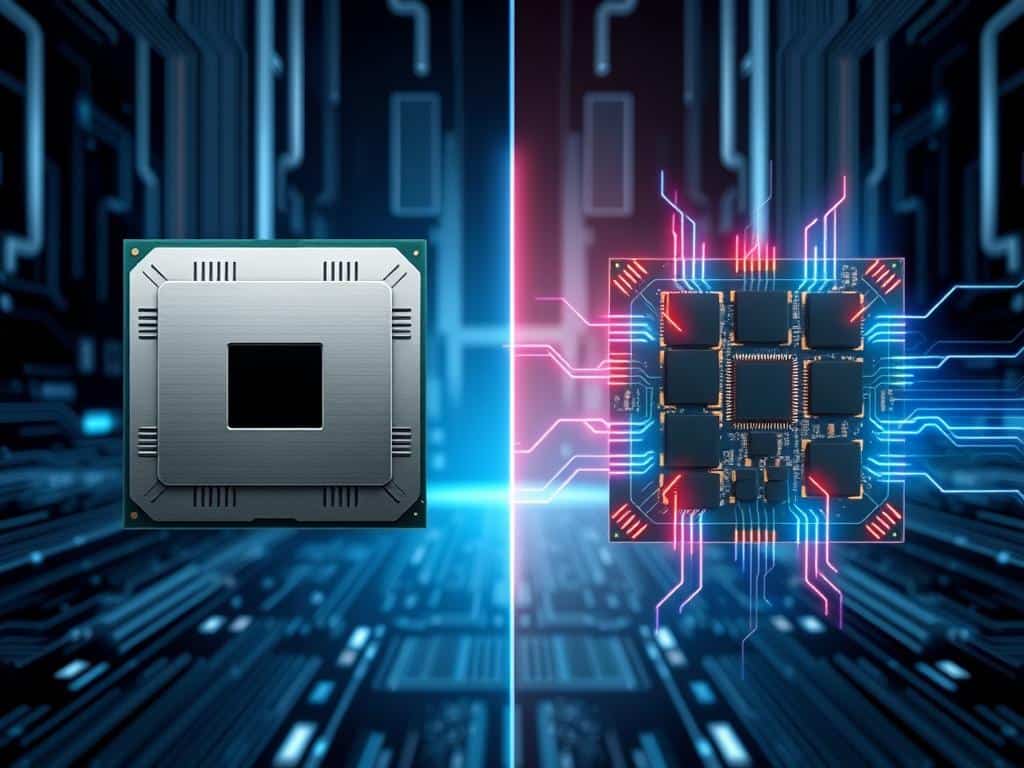
Choosing the Right CPU for Your Needs
When picking CPUs, knowing your workload is key. A good assessment helps figure out what you need. This could be single-core power or multi-core efficiency. Knowing this helps you choose the right CPU for your tasks.
Assessing Your Workload
Start by thinking about the apps you use most. For single-threaded tasks like some games, a fast CPU is better. But for tasks like video editing, you need a CPU with many cores.
Understanding your specific needs makes choosing easier. It helps you pick a CPU that fits your work style.
Cost vs Benefit
Looking at the cost and benefits of CPUs is important. High-end CPUs like AMD’s Ryzen 9 5950X and Intel’s Core i9 offer great performance but cost a lot. It’s important to weigh the cost against the performance you’ll get.
CPUs in the $200-$300 range are good for mid-range gaming. But for professional work, you might need to spend $400 or more. Matching your budget to your performance needs is key to making a good choice.
Conclusion
In my look at single-core and multi-core CPUs, I’ve seen how much multi-core processors have changed computing. It’s clear that picking the right CPU is key. It affects how well tasks are done, from simple to complex ones.
Single-core processors are good for simple tasks, but multi-core CPUs have changed the game. They make it easier to do many things at once without using too much power. This is important today, as we need computers to do more and more.
Choosing a CPU well means knowing about its design, how it performs, and its cost. I want to help you make smart choices. This way, you can pick a CPU that fits your needs and helps you stay ahead in technology.
