Did you know the average American has 582 saved cellphone photos and 13 unused apps on their devices? That’s a lot of digital clutter we often ignore. In today’s fast-paced world, cleaning up our digital lives is key. I used to feel swamped by emails and notifications. But, by adopting digital minimalism, I found peace in a tidy digital space.
This guide will show you how to simplify your digital world. You’ll get practical steps and productivity hacks to help. By the end, you’ll know how to make your digital space cleaner and more organized.
Key Takeaways
- Digital decluttering can significantly improve mental clarity and productivity.
- Committing just 10-15 minutes daily can help you efficiently manage your digital spaces.
- Regular reviews of your digital declutter checklist ensure ongoing organization.
- Mindful deletion of files can help remove digital stressors.
- Embracing a “less is more” mentality can pave the way for digital minimalism.
Why Digital Decluttering Matters
Our digital lives show how well we’re doing mentally. Too much digital clutter can really slow us down. It makes us feel stressed and frustrated.
Imagine having over 1,000 emails after a holiday. It’s overwhelming. Digital clutter makes simple tasks seem huge, draining our mental energy.
Understanding the Impact of Digital Clutter
Digital clutter is more than just a mess. It takes up mental space that could be used for better things. Studies show it can reduce stress and boost productivity.
Getting rid of old emails and unused apps helps us stay focused. It makes it easier to get through our tasks without feeling overwhelmed. Just like physical clutter, digital clutter gets harder to deal with over time. It takes a lot of time to get organized again.
Benefits of a Clean Digital Space
Cleaning up our digital space makes our online life better. For example, cloud storage can free up space on our devices while keeping our files safe.
A clean workspace helps us work more efficiently, which is key for big projects. Regularly decluttering helps us stay organized and feel better. It makes our daily tasks more enjoyable.
Steps to Perform a Successful Digital Declutter
Starting a digital declutter needs a smart plan to cover all digital areas. It starts with a detailed digital audit. This helps me check emails, files, and apps. It shows me where digital clutter builds up.
Assess Your Digital Spaces
I list all my digital spots, like social media and cloud storage. Reflecting on this helps me see where clutter hides. Many people use six social media accounts and spend three hours daily. This shows how digital clutter can split our focus.
Identify Stressful Areas
Then, I find digital stressors that harm my mental health. Digital clutter can feel as overwhelming as physical clutter. Keeping a journal helps me see what needs fixing. For example, too much email can overwhelm many workers.
Create a Sustainable Organization System
Creating a lasting organization system is key to a clean digital life. I aim for systems that are easy to keep up. Using the same file names and archiving emails helps a lot. Digital minimalism, as Cal Newport suggests, keeps things simple and efficient.
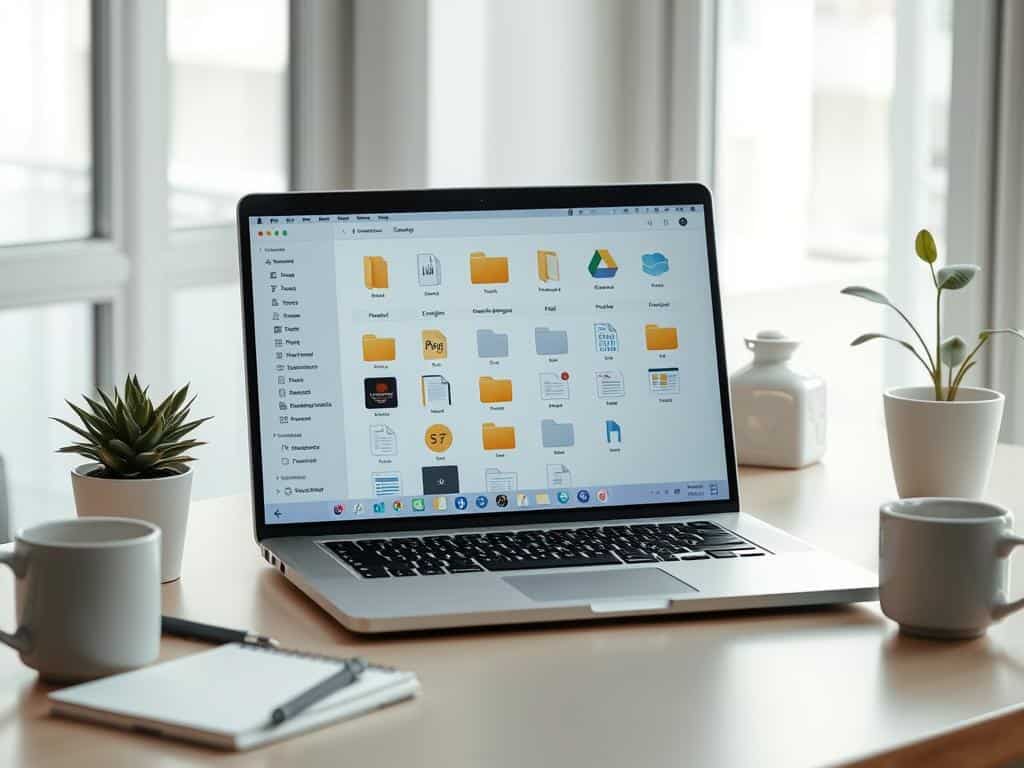
Digital Declutter Guide: Practical Tips for Every Device
Keeping your digital space organized can make you more productive and less stressed. I’ve found great ways to manage emails, organize files, and handle apps. These steps help keep my devices running smoothly and my mind clear.
Email Management Strategies
Managing your emails well is key to a tidy inbox. I use unsubscribe methods to cut down on unwanted newsletters. Tools like Unroll.me have cut my newsletter clutter by half, helping me focus on what’s important.
Sorting emails quickly helps me respond faster and feel less stressed. I also do inbox bankruptcy to clear out old emails and start fresh. This makes my inbox feel less overwhelming.
Organizing Files and Photos
Organizing your files and photos makes tasks easier. I sort documents and delete what I don’t need to stay organized. This makes finding files 50% faster.
I use software like Adobe Lightroom to manage my photos. It lets me find pictures by theme or date easily. Having a good folder system means I can find files quickly, keeping my workflow smooth.
Managing Apps and Software
Managing your apps and software keeps your digital space tidy. I regularly delete unused apps and organize the ones I use. This keeps my home screen clean and my apps in order.
Checking apps regularly helps me stay organized. I also clear cache and use tools like CleanMyMac to keep my devices running well. This frees up space and keeps my devices fast.
Conclusion
Digital decluttering is a journey that changes your life for the better. It helps you clear your mind and work better. About 70% of people feel overwhelmed by digital clutter, which can make them put off organizing.
This guide has shown me how to organize my digital life better. It has helped me work more efficiently. I encourage everyone to check their digital spaces, find what’s causing stress, and create a lasting organization plan.
Decluttering can make you up to 30% more productive and improve your mental health. Regularly checking your digital space keeps it organized. This makes it easier to find what you need without distractions.
By following these tips, I feel more in charge of my digital world. Using the tools and methods from this article has greatly improved my work and stress levels. Remember, keeping your digital space clean is an ongoing effort towards a healthier online life.
