Did you know Discord has over 350 million registered users worldwide? With about 140 million active monthly users in 2023, it’s clear the online community is buzzing. Yet, it’s also a challenge to create a unique space. I’ve built several Discord servers, like the Monster Hunter Gathering Hall with over 120,000 members. I learned the key is a thoughtful setup.
Creating a space for conversations is just the start. The real goal is to build an engaging community that keeps people coming back. To succeed, you must define your server’s purpose. Members are more likely to participate in topics they care about, showing niche communities can be more engaging.
Think strategically about organization and branding from the start. A catchy server name, a custom icon, and well-organized channels make your server welcoming. This sets the stage for voice chats and lively discussions. Let’s explore the essential steps to create a Discord server that shines and grows.
Key Takeaways
- Engaging communities often focus on niche topics.
- Proper server organization boosts user engagement and keeps them around.
- Custom roles and permissions are key for managing your community.
- Effective setup can lead to growth through word-of-mouth.
- Clear rules make members happy and satisfied.
Understanding the Basics of Discord Server Setup
Starting a Discord community means knowing its purpose. This step shows what I’m into and guides the community’s path. Picking a specific topic helps my community grow more than broad ones.
Finding my server’s niche attracts people with the same interests. This makes our community more fun for everyone.
The Importance of Server Purpose
A clear server purpose is key for community activities. When setting up, I think about if my topic is covered elsewhere. This ensures my server offers something new and keeps users engaged.
A defined purpose also helps connect people with similar interests. It leads to deeper conversations and a more active community.
Evaluating Existing Communities
Looking into other Discord servers helps me see what’s out there. I find gaps or unique angles to fill. This way, my community stands out and grows.
Discord servers cover many topics, not just games. Seeing this variety inspires me to create a space that adds value. This approach makes our community lively and engaging.
Design and Organization Tips for Your Discord Server
A well-designed Discord server stands out. It has a clear organization and thoughtful design. With over 250 million users, making your server unique is key. A good server name and icon can grab users’ attention.
Selecting an Engaging Server Name and Icon
Choosing a unique server name is important. A thematic name shows what your community is about. A catchy icon makes your server stand out.
Customizing your server helps it feel like home. This keeps users coming back.
Structuring Channels for User-Friendly Navigation
A good channel structure makes navigation easy. I use 4 to 5 channels per category. This way, important channels are easy to find.
Using emojis and colors makes your server look good. It matches your community’s theme. Welcome messages start conversations and make your server lively.
Utilizing Roles for Enhanced Management
Discord roles are key for managing your community. They help set rules and who can do what. This keeps things organized, even in big servers.
Custom roles for moderators and admins create a team vibe. This is good for your community’s health.
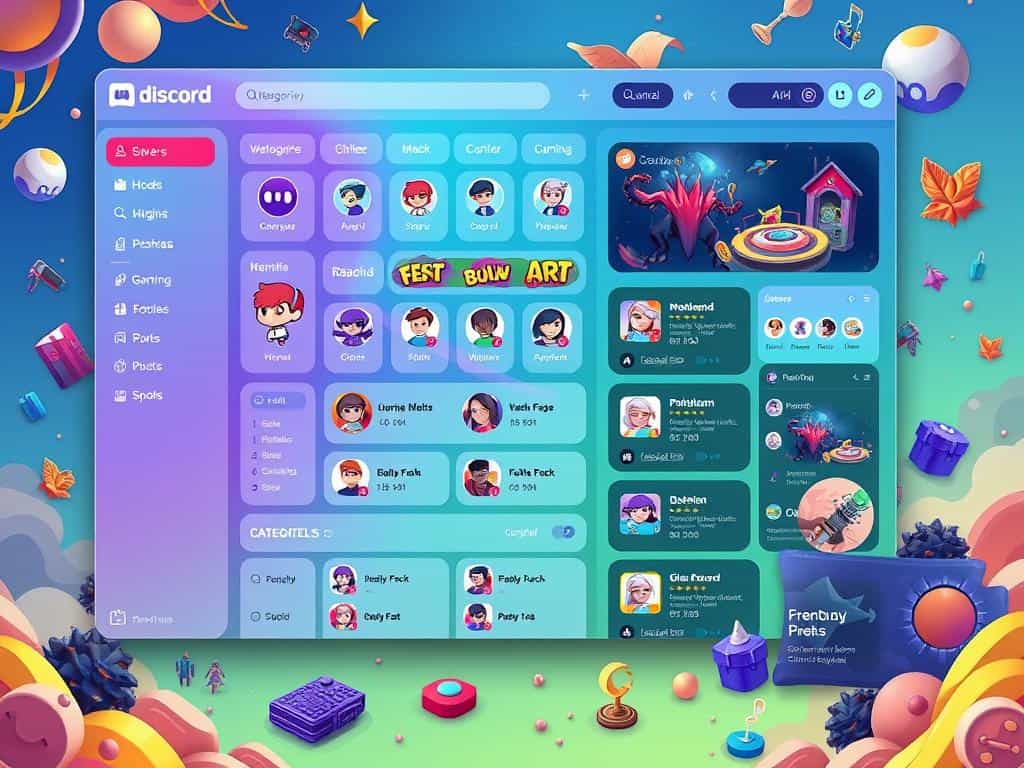
Boosting Community Engagement on Your Discord Server
Building a strong community on Discord takes a mix of interaction and making everyone feel important. This approach makes the experience better for all. Using server announcements and giveaways keeps the community lively and encourages people to talk more.
Effective Use of Announcements and Giveaways
Server announcements are key to keeping the community engaged. Quick updates keep things fresh and help members stay. Research shows servers with regular updates can keep up to 30% more members.
Giveaways are a fun way to get members involved. The right prizes can make people want to join in more. Events like giveaways can increase participation by about 50%.
Encouraging Conversation and Participation
To keep the server lively, it’s important to encourage people to talk. Content like polls and questions gets conversations going. It’s also good to ask for feedback and celebrate contributions.
Starting conversations regularly keeps the server buzzing. Aim for new content and prompts every week. Using social media and emails can also bring back inactive members, making the community feel more alive.
Conclusion
Building a great Discord server takes hard work, care, and regular interaction. I’ve found that growing a community depends on good server management. This includes setting a clear goal, creating roles, and making rules.
By following best practices, I can make a space that draws people in. It makes sure everyone feels important and connected.
Using moderation tools and keeping the environment healthy boosts the member experience. This leads to more people staying around. Listening to feedback can make people up to 45% happier.
As I keep getting better, I’ll try new things like events and bots. These can make people more active and excited. Studies show these efforts can really pay off over time.
Being patient and persistent is essential. Creating a friendly space that matches my members’ interests helps my community grow. My server’s success will show in the strong bonds and shared experiences among my members.
