Did you know nearly 100% of iPhone users don’t know about many game-changing features in iOS 18? We all love our devices, but we often miss out on the cool iOS hidden features. These features can make our lives easier, like sharing Wi-Fi with QR codes or organizing voice memos.
Apple has added many innovative iPhone tricks in iOS 18. This guide will show you some amazing tools and settings tips. You’ll learn how to get the most out of your iPhone, making everyday tasks simpler.
Key Takeaways
- iOS 18 introduces a redesigned Control Center for easier device management.
- QR codes now enable sharing Wi-Fi passwords, making it easier to connect.
- Voice Memos can be transcribed and searched for keywords.
- Collaborative tracking with AirTag can be done with up to six people.
- The adjustable flashlight feature is available on select iPhone models.
- Ditch app labels to declutter your home screen while keeping icons.
- Custom battery alerts help personalize your iPhone experience.
Discover Amazing iPhone Tricks
Unlocking my iPhone’s full power is now easier than ever. Thanks to amazing features, my user experience has improved a lot. These hidden gems make my life easier, whether it’s taking better photos or doing everyday tasks.
Upgrade Your Camera Experience
The latest iPhone camera features have changed my photography. With iOS 18, I can adjust the flashlight settings easily. Swiping in the dynamic island lets me switch beam widths, perfect for night shots or capturing moments.
This control over lighting makes every photo look professional. It’s a game-changer for my photography.
Control Center Shortcuts
My phone navigation has become much smoother thanks to the Control Center. I can restart my iPhone quickly, saving time. This small change shows how Apple hacks can make a big difference.
The customization options let me personalize my Control Center. This makes using my phone even simpler.
iOS Hidden Features Guide
This section reveals some hidden iOS features to improve your experience. You can manage notifications, share Wi-Fi, and use voice memos better. These tips help you tackle daily tasks more efficiently.
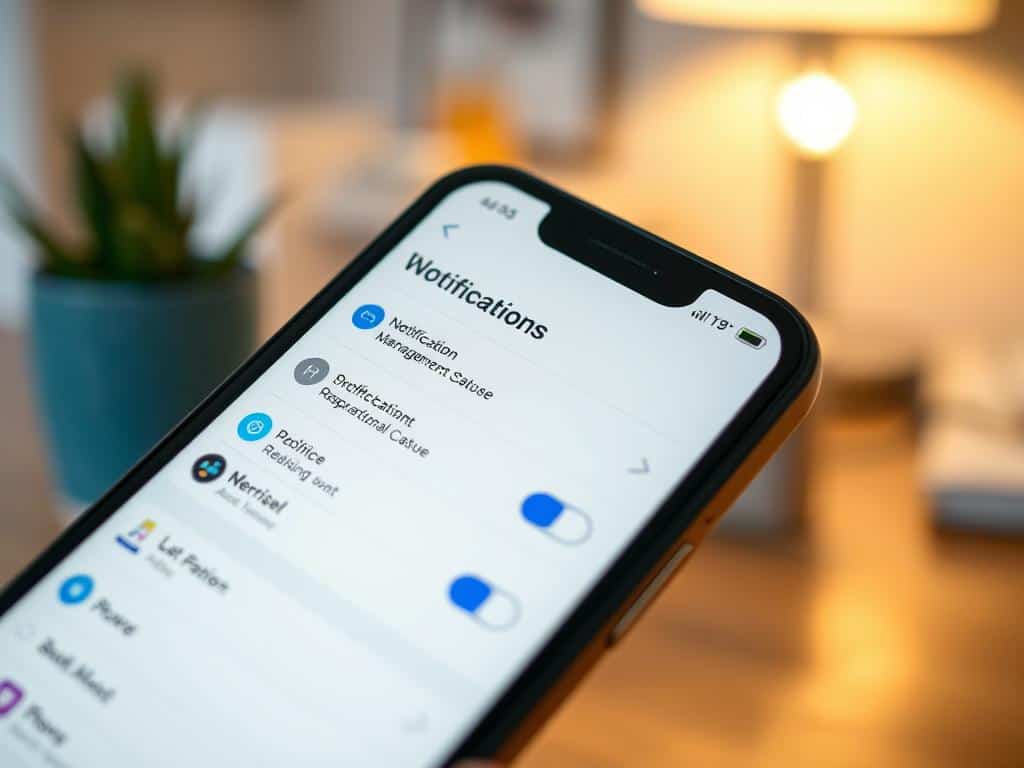
Manage Notifications Effectively
To manage notifications iPhone better, use the LED flash for alerts. It lets you know you have a notification, even if your phone is silent. Just a simple settings toggle makes it work.
Also, the Back Tap feature lets you add custom functions. You can quickly start the camera or call Siri with a tap.
Effortlessly Share Your Wi-Fi Credentials
Sharing Wi-Fi is easy with iOS. You can share Wi-Fi iPhone credentials with a QR code. This makes it simple for guests to connect without typing a password.
This feature is great for parties and work meetings. It makes getting everyone online a breeze.
Transcribe and Search Voice Memos
The Voice Memos app has a cool feature. You can transcribe voice memos into text. This lets you search for specific memos by keyword.
It’s a big help for jotting down ideas on the go. Now, organizing your thoughts is easier than ever.
Conclusion
The hidden iOS features I’ve looked into are amazing for improving my Apple experience. They help manage notifications and unlock new text and keyboard options. These tools make using my device every day better.
Using these features saves me time and makes tasks easier. For example, sending texts or finding my device is now simpler. Features like Focus Mode and Emergency Bypass also boost my productivity and communication.
Exploring these iOS features makes my smartphone use more productive and fun. It shows how tapping into these hidden functions can change how I use my iPhone. It also highlights the powerful tools in my device that are waiting to be discovered.
