Did you know Virtual Machines (VMs) can use hardware 70% more efficiently than single OS systems? This means VMs can run multiple OS instances at once. This is unlike regular computers, which run only one OS at a time. VMs offer flexibility, whether you want to run Linux on Windows or test different OS setups.
Tools like VMware, VirtualBox, and Parallels Desktop make this easy. They help both new and experienced users create custom environments. You can clone or save VMs, making it easy to switch and restore settings. This is better than traditional dual-boot setups.
As technology gets better, the need for VMs keeps growing. They are great for both personal and business use. VMs help save money, use resources better, and speed up development. By using virtualization, you can make your workflow better and use software more flexibly.
Key Takeaways
- Virtual Machines enhance hardware utilization significantly, enabling various operating systems to run concurrently.
- Tools like VMware and VirtualBox simplify the process of OS emulation for diverse use cases.
- Cloning and saving VM states streamline restoration and transfer of configurations.
- Using virtualization can lower costs by reducing the number of physical servers required.
- Dynamic resource allocation offers greater flexibility compared to traditional server management.
- Virtualization supports energy-efficient operations, leading to reduced power consumption.
Understanding Virtualization and Its Benefits
Virtualization is a game-changing tech that lets people and companies run one operating system on another. It boosts hardware use and brings big benefits of virtualization. This makes things more efficient and flexible.
What is Virtualization?
Virtualization creates a virtual version of real hardware. It lets many environments run on one system. This means you can have different operating systems at once, like Windows on a Mac or Linux on Windows.
This is great for testing software, running old apps, and making work easier.
Key Advantages of Using Virtualization
The benefits of virtualization are many. Businesses can use resources better, sometimes by 15% more than with old servers. They also save on storage costs, often by 50%.
Network virtualization can cut costs by 25% by managing resources better. Plus, it makes apps and desktops easier to deploy, helping teams work faster from any device.
Virtualization in Business vs. Personal Use
In business use of virtualization, it’s key for cloud computing and apps needing different setups. Companies can save up to 40% on hardware costs, which is great for managing resources well.
For personal use, it lets users easily switch between operating systems. This boosts productivity and makes it easy to access apps from anywhere. Virtualization is essential in both work and personal life.
Top Virtual Machine Software Options Available
When looking for the best virtual machine software, several options stand out. Each offers unique features and meets different user needs. They are great for virtualization fans, businesses, and home users.
VMware: Comprehensives and Cross-Platform
VMware is a top choice for many. It has strong features for both personal and business use. The free VMware Workstation Player is perfect for personal use, while the Pro version is better for businesses.
It supports running various operating systems on your machine. This includes Windows and macOS.
VirtualBox: Free and Open Source Choice
VirtualBox is a favorite because it’s free and open-source. It supports many operating systems, from Windows XP to the latest Linux. It has over 100,000 registered users.
Its free nature makes it ideal for hobbyists, developers, and those trying out different platforms without spending money.
Parallels Desktop: Best for macOS Users
For macOS users, Parallels Desktop is the best. It makes running Windows and Linux smooth. It’s known for its performance and how well it integrates with your system.
It’s great for ARM-based Windows on Apple silicon Macs. Starting at $99.99, it offers features like Rollback Mode for more control over your virtual environment.
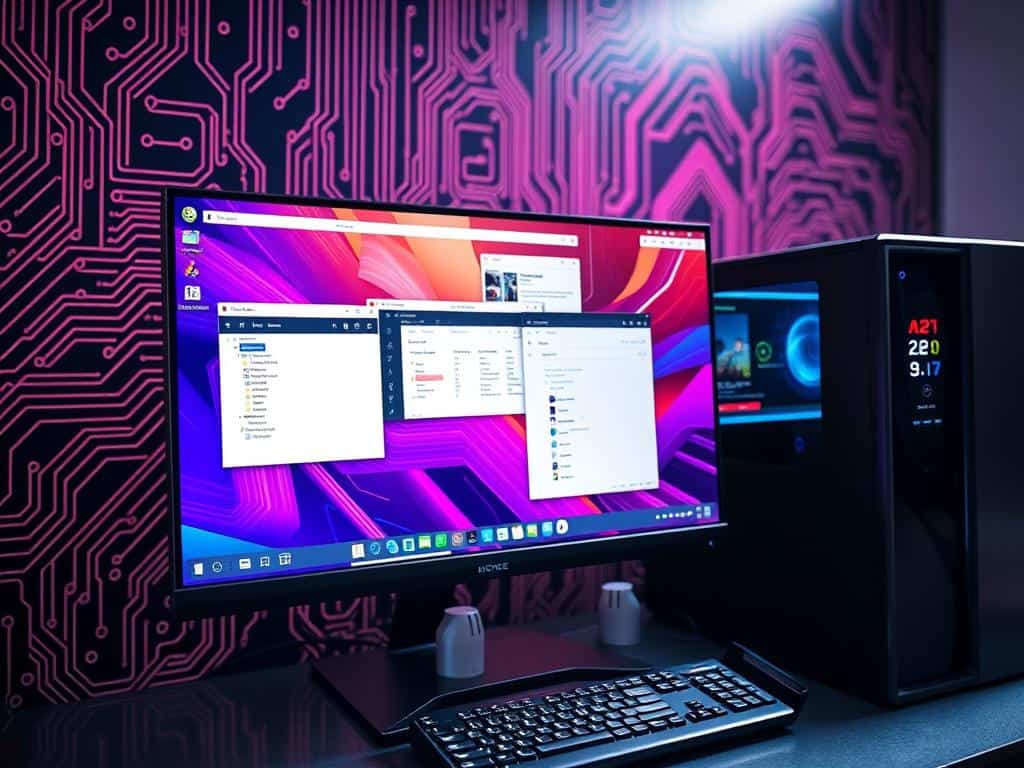
How to Successfully Install and Use Virtual Machine Software
Installing virtual machine software lets you run many operating systems on one computer. It’s key to know the system needs for virtualization before starting. The right hardware and software setup is vital for the best experience.
Essential System Requirements for Virtualization
Knowing the system needs for virtualization is the first step. For each virtual machine, you need at least 10 GB of free disk space. Also, check if your processor supports VT-d/VT-x or AMD-V technology.
Enough RAM is also important. A light OS needs at least 1 GB, while heavy apps might need up to 8 GB. Don’t use more than 50% of your system RAM for virtual machines to avoid slow performance.
Before installing virtual machine software, make sure you have admin rights. Running services like OneDrive or iCloud can slow things down because of file syncing.
Step-by-Step Guide for Installing VMware and VirtualBox
Now, let’s talk about installing VMware and VirtualBox. To install VMware, download the installer from the official site. Open it, accept the license, and choose your settings. Then, configure your settings and you’re set to create a virtual machine.
For VirtualBox, download the installer from the VirtualBox site. Run the installer, agree to the terms, and use the default settings. After, install Guest Additions for better performance. Setting up a virtual machine can take 20 minutes to an hour, depending on your choices.
Always check your settings before finishing the setup. Proper handling is key, as shutting down virtual machines wrong can cause hard drive issues. Follow these tips to use virtual machines well.
Conclusion
In this virtualization summary, I’ve looked at how virtual machine software helps use multiple OS on one computer. Virtual machines (VMs) make it possible to run different operating systems at the same time. This means better use of resources and less need for lots of physical equipment.
This leads to cost savings and more flexibility for users. It’s not just about saving money. VMs also make it easier to test and develop software. They help speed up the debugging process and make sure apps work well on different platforms.
For businesses, VMs help consolidate servers and improve disaster recovery plans. They are key in today’s IT world. As I’ve explored different virtualization tools, I think you should see how they can improve your computing experience.
Virtualization is becoming more important in our tech-filled world. It’s changing how we manage and use software. Now, using multiple OS is not just an option but a common practice.
