Did you know CCleaner’s Performance Optimizer can boost speed by up to 34%? This shows how important system optimization tools are for better PC performance. Using these tools not only speeds up your computer but also clears out digital clutter.
These tools help remove unnecessary files and adjust settings. They make your computer run smoothly without the need for expensive hardware upgrades. I found that optimizing my system saved me time and made my computer easier to use.
With the right tools, making your computer faster and more efficient is simple. Find the best tools for you and enjoy a better computing experience today.
Key Takeaways
- System optimization tools can significantly enhance PC performance.
- CCleaner users report up to a 34% increase in speed.
- Regular maintenance improves overall system efficiency and reliability.
- Many tools provide real-time monitoring for continuous performance improvement.
- Investing in optimization software can save time and reduce clutter.
Understanding System Optimization Tools
In today’s fast-paced world, knowing about system optimization tools is key. These tools boost your computer’s performance. They clean up unnecessary files and tweak settings for a smoother experience.
Optimizing your system involves several techniques. These aim to make your computer faster, more reliable, and secure.
What are System Optimization Tools?
System optimization tools are special apps that make your computer run better. They do things like delete temporary files and remove unused programs. This helps your system manage resources well, ensuring it works fast and smoothly.
Why You Should Use System Optimization Tools
Optimization tools do more than just speed up your computer. They also make it less likely to crash or get hacked. By keeping your antivirus and software up to date, you protect your system from threats.
Using these tools regularly makes your computer safer and more enjoyable to use. It turns computing into a hassle-free experience.
Common Features of Optimization Software
Optimization software often includes tools for disk cleanup and driver updates. It also lets you tweak performance settings. Good optimization tools have an easy-to-use interface and advanced features like automation and monitoring.
It’s important to choose reputable tools. Using the wrong ones can harm your system and data.
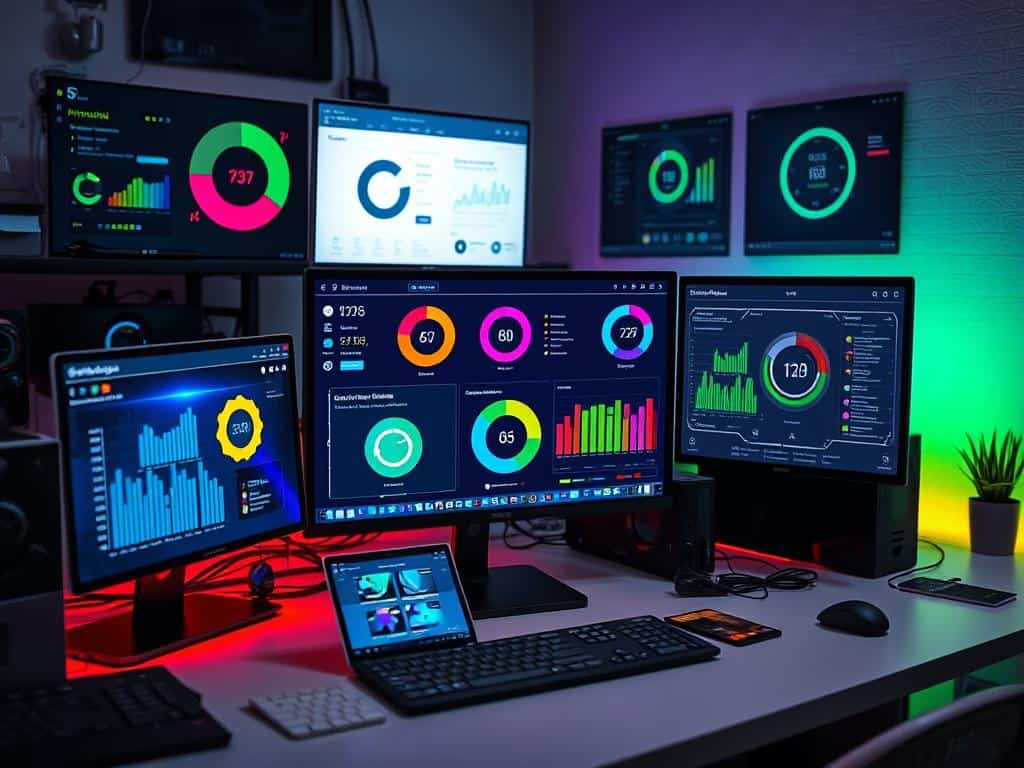
Top System Optimization Tools for Performance Boost
In the world of system optimization tools, some really stand out. They promise to make your computer run better. Each tool has special features for different needs. Whether it’s cleaning, easy use, or advanced features, these tools can really help your system.
iolo System Mechanic: All-in-One Solution
iolo System Mechanic is a complete solution for all users. It makes optimizing your system easy with one-click cleanup and various scans. Using it regularly has made my computer start up faster.
It also has premium options that save money, like special discounts. This tool not only speeds up your computer but also keeps it safe from malware. It’s a top choice for optimization.
CCleaner: Essential for Disk Cleanup and Registry Cleaning
CCleaner is great for cleaning your disk and registry. The free version helps remove temporary files and browser caches, which can slow down your PC. It lets you choose what to delete, giving you control.
The Pro version adds more features like real-time monitoring and scheduled cleaning. It’s perfect for keeping your PC in top shape.
Fortect: An Easy-to-Use Option for Beginners
Fortect is easy to use, making it perfect for beginners. It scans quickly, in about five minutes, so you can fix problems fast. It has a big database of Windows components for safe repairs.
Its simple interface and fast scans make it great for new users. It’s a user-friendly choice for system optimization.
Ashampoo WinOptimizer: Comprehensive Toolset for Maintenance
Ashampoo WinOptimizer has a wide range of features for keeping your system in check. It organizes tasks into cleanup, optimize, and protect categories. This makes it easy to keep your system healthy.
With just a click, you can remove problems. It’s a reliable tool for boosting your system’s performance. It’s a top choice for maintaining your computer’s efficiency.
Conclusion
Using system optimization tools is key to making your computer run better. Tools like iolo System Mechanic, CCleaner, Fortect, and Ashampoo WinOptimizer help a lot. They make your computer faster and more efficient.
These tools are great for keeping your computer in top shape. They help your computer last longer and work better. This means you can enjoy using your computer without any hassle.
Being productive is important, and these tools help a lot. They make it easier to do your work and handle big tasks. This is super important in today’s fast world.
System optimization does more than just speed up your computer. It makes your work easier and more fun. By using these tools regularly, you can handle modern technology with ease. This keeps your productivity high, even when things get tough.
