Did you know that good cooling can make your PC last up to 40% longer? This fact shows how important it is to install fans right. It helps keep your PC cool during long gaming or work sessions. Knowing how to use these fans is key for any PC lover.
In this guide, we’ll explore how to install PC fans. We’ll cover different fan types and sizes. We’ll also look at important numbers like CFM and RPM. This knowledge will help you set up a great airflow system in your PC. The right airflow keeps your PC cool and improves your computing experience. So, let’s dive into the basics!
Key Takeaways
- Effective cooling can increase PC longevity by as much as 40%.
- Understanding fan types and sizes is key for good airflow.
- CFM and RPM are important for judging fan performance.
- Proper installation boosts cooling efficiency.
- Keeping dust filters clean is essential for airflow and cooling.
Understanding Case Fan Basics
When building or upgrading a PC, it’s key to know about types of PC fans and their fan sizes. The common sizes are 120mm, 140mm, and 200mm. Bigger fans move more air but are quieter because they spin slower.
Types of Fans and Their Sizes
Many cases come with a fan at the rear for cooling. This is enough for most users. But, for better performance, add at least three fans, more for gaming.
For the best airflow, use one fan at the front, one at the rear, and one on the side. Budget cases have one of each. Mid-range and high-end cases have more for better cooling.
Airflow Metrics: CFM, RPM, and Noise Levels
Airflow is measured in cubic feet per minute (CFM). A good fan should have at least 50 CFM. The fan’s RPM affects its CFM; higher RPM means more airflow but can be noisier.
Choose fans with fluid dynamic bearings for less noise. Keeping the case cool is vital for your PC’s health.
To keep your PC cool, keep the case cooler than the core. Use fans to push hot air out and pull cool air in. This stops air from getting stuck and hurting your PC’s performance. The right types of PC fans and airflow knowledge lead to a cool PC.
PC Fan Installation Techniques for Optimal Airflow
Setting up PC fans right is key for great cooling and airflow. A good plan keeps your system running smoothly and looking good. I’ll talk about the best ways to place and orient fans, and how to manage cables for better airflow.
Placement and Orientation of Fans
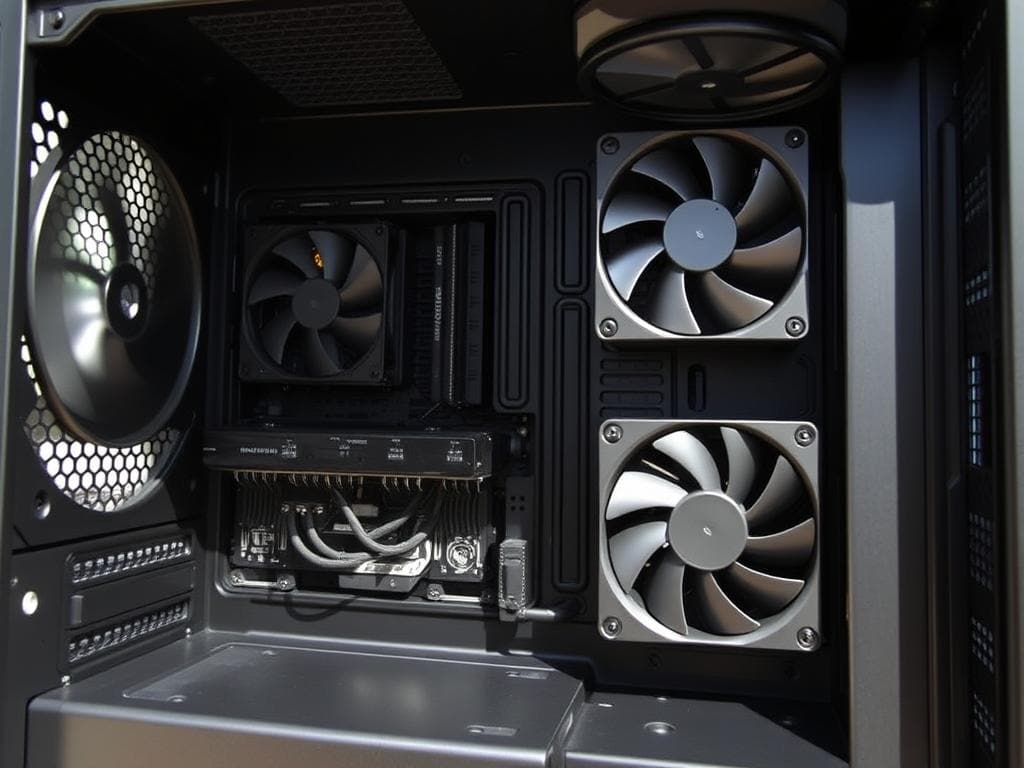
Where you put fans matters a lot for cooling. Most PC cases can hold up to four fans. It’s best to have fans at the front and bottom pull in cool air. Fans at the back and top should push out hot air.
This setup works because heat rises. Look for small arrows on the fan to see airflow direction. Having more intake fans helps cool better, keeping dust out too.
Setting Up Fan Connections and Cable Management
Connecting fans to the motherboard right is important. Using 4-pin PWM connectors lets fans adjust speed based on temperature. This keeps noise down.
Good cable management also boosts airflow by clearing the way. Organizing cables well can increase airflow by up to 15%. Dust filters on intake fans help keep them clean and running well. A well-thought-out fan and cable setup is vital for keeping your PC cool.
Conclusion
Mastering PC fan installation is key to better airflow and cooling. By learning about fan types and sizes, I can pick the best ones for my case. This includes 80mm, 120mm, or 140mm fans.
Knowing about airflow metrics like CFM helps me find top-notch fans. For example, fans with up to 78.1 CFM are excellent choices.
Placing fans correctly and managing cables well keeps my system cool. This prevents overheating and extends the life of important parts like the CPU and GPU. Using 4-pin connectors for PWM control improves performance and reliability.
After this recap, I’m ready to optimize my PC for quiet and efficient use. Regular fan cleaning every six months keeps things running well. The right fan installation and choices make my PC powerful and quiet.
