Did you know motherboard prices can range from $50 to $1,500? This big difference shows the variety of features and compatibility in high-end models. Picking the right motherboard is key because it’s the base of your computer. It makes sure all parts work well together for the best performance.
In this guide, I’ll cover the important parts of choosing a motherboard. We’ll look at how to match the motherboard’s specs with your needs. This includes CPU socket types, RAM support, and form factor options. Knowing this will help you build a reliable and high-performing computer, whether you’re a beginner or an expert.
Key Takeaways
- Motherboard compatibility is essential for ensuring all components function together effectively.
- Prices vary widely, reflecting the features and specifications needed for different builds.
- Choosing the correct CPU socket type is critical for compatibility with the CPU.
- Understanding RAM support and limits helps in achieving the desired performance.
- Form factor affects physical size and compatibility with your PC case.
- Considering expansion slots ensures there is room for future upgrades.
Understanding Motherboard Compatibility
Knowing about motherboards is key for anyone setting up or upgrading a computer. The motherboard is the main circuit board. It connects all important parts and lets them talk to each other.
What is a Motherboard?
A motherboard is the heart of a computer system. It brings together the CPU, memory, storage, and graphics cards. This connection is essential for communication and power, making everything work well together.
The Importance of Choosing the Right Motherboard
Choosing the right motherboard is very important. It ensures your CPU and memory work well together. If you pick the wrong one, you might face problems like hardware issues or system failures. So, it’s important to know what your components need.
Key Components Influencing Compatibility
Several key parts affect motherboard compatibility. These include CPU socket types and chipset compatibility. Different CPUs need different sockets, which affect the motherboard’s compatibility. The chipset also matters, as it determines memory support, overclocking, and expansion slots. It’s important to think about these to avoid problems.
Key Factors to Consider When Selecting a Motherboard
Choosing the right motherboard is key to your build’s performance and life span. Several factors are important, like CPU socket types, RAM support, and motherboard form factor. Also, expansion slots and connectivity features matter. Knowing these helps match your components and plan for future upgrades.
Choosing the Right CPU Socket Type
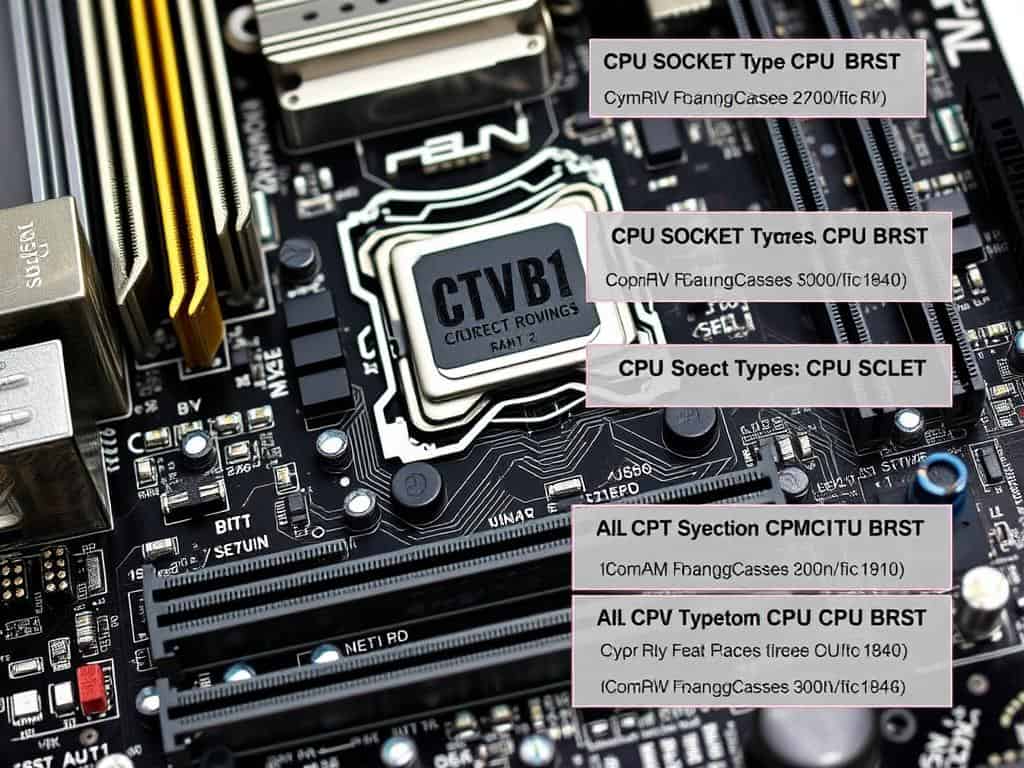
Compatibility between your CPU and the motherboard’s socket is a top priority. For example, Intel’s 10th and 11th Gen CPUs need LGA 1200. AMD’s Ryzen processors use AM4 or AM5 sockets. The right CPU socket ensures your processor works well, boosting system performance.
Evaluating RAM Support and Capacities
RAM support is another key factor. I check the motherboard’s max capacity and speed. Most use DDR4 RAM, the current standard. High-end models can handle up to 128GB or more, leaving room for upgrades.
I also look at the number of memory slots. Two slots are common, but four can improve gaming and graphics performance.
Understanding Form Factor Options
The motherboard form factor is critical for case compatibility and component space. I often choose ATX, Micro-ATX, or Mini-ITX. ATX is popular for its size and expansion slot options, making it great for future upgrades.
Assessing Expansion Slots and Connectivity
Expansion slots are vital in my decision. I make sure there’s at least one PCIe x16 slot for graphics cards. I also look for extra slots for future upgrades. USB ports are important, with 6 to 12 being common. Modern boards often have USB-C ports for new devices.
Identifying Desired Features
Identifying the features I need is essential. I consider networking options like WiFi and advanced LAN. Overclocking and RGB lighting are also important for performance and looks. Finding a balance between these features and my budget is key to getting the right motherboard.
Conclusion
Choosing a motherboard is key in PC building. It greatly affects how well my system works. I need to pick one that fits my needs and preferences well.
For the best performance, the motherboard must work well with my CPU, RAM, and graphics card. Knowing if I need an LGA1200 socket for Intel or an AM4 socket for AMD helps a lot.
It’s also important to check if the motherboard supports the right RAM type and has enough slots for my graphics card. The right motherboard supports my current setup and allows for future upgrades. For example, ATX motherboards usually have four RAM slots, while Mini-ITX models have only two.
By carefully choosing a motherboard, I can make my PC building process easier. With the right motherboard, I can meet my current needs and be ready for future upgrades. This keeps my system running smoothly over time.
