Did you know laptops can last from 3 to 10 hours on one charge? This range can be quite wide, and running out of battery at the wrong time is frustrating. Standard laptops can last over 8 hours, while ultraportables can go up to 14 hours.
Learning about Laptop Battery Maintenance and using energy-saving tips can make a big difference. Simple changes like adjusting your charger habits or tweaking your display settings can help. These hacks ensure I get the most from my laptop’s battery, so I’m never caught without power when I need it.
Key Takeaways
- Maintaining a charge between 50% to 80% ensures long-term battery health.
- Disconnecting unused accessories can conserve battery power.
- Running multiple applications drains battery life; close the ones not in use.
- Regular updates of the operating system can prevent battery issues.
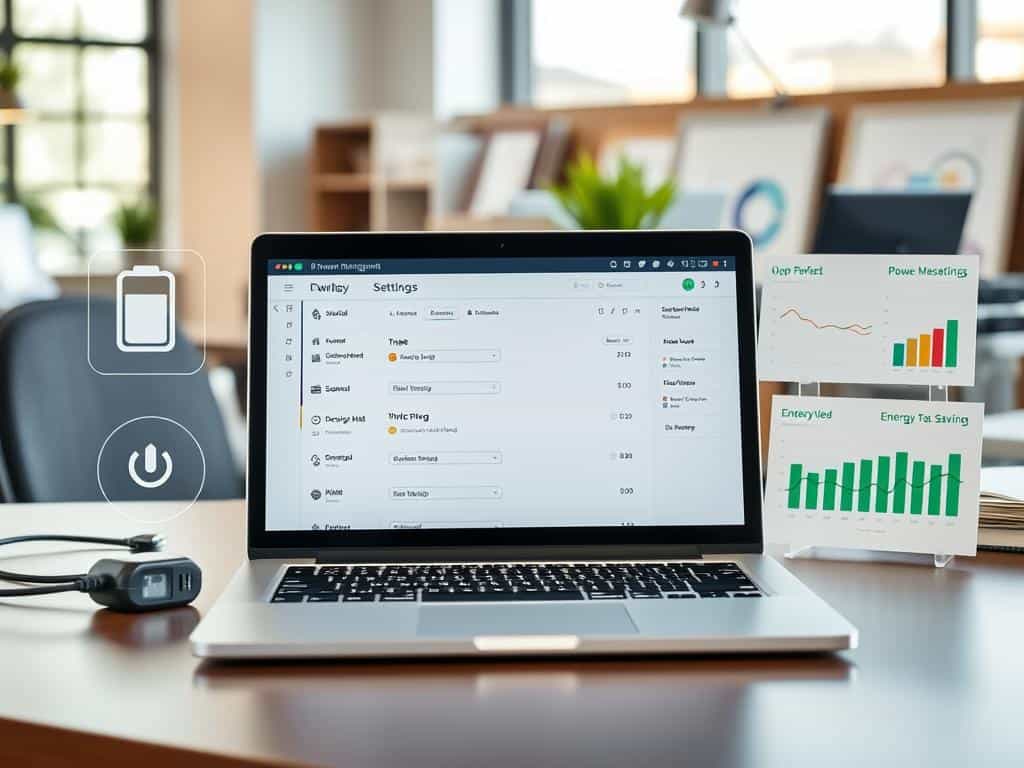
- Utilizing built-in power management tools aids in monitoring power consumption.
Understanding How to Maximize Your Laptop Battery Life
To make my laptop battery last longer, I need to know about battery health, battery care, and charging cycles. Keeping an eye on these helps keep the battery in top shape. It also makes sure my laptop works well when I need it.
Importance of Battery Care and Charging Cycles
Good battery care is key for lithium-ion batteries in most laptops. These batteries can go through about 500 full charging cycles. A full discharge counts as one cycle, so a partial charge is half a cycle.
To keep the battery alive, I aim to keep it charged between 40% and 80%. Letting it drop below 20% can make it wear out faster. When I’m not using it for a while, I charge it to 40% to 50%. This careful approach helps my battery stay healthy.
How Environmental Factors Affect Battery Performance
The environment greatly affects how well my battery works. Extreme temperatures can really hurt battery health. Keeping my laptop cool helps prevent damage from overheating.
Extreme cold can also harm the battery, so I avoid leaving it in freezing places. Keeping the temperature stable helps my battery last longer. So, managing charging cycles and keeping the environment right is key to a long-lasting battery.
Laptop Battery Maintenance Tips and Tricks
Keeping my laptop battery healthy is key for its best performance and life. By using smart strategies, I can make it last longer. Here are some top tips for saving energy.
Utilizing Power Management Tools on Windows and macOS
I use power management tools on Windows and macOS to save power. These tools help me manage battery settings easily. For instance, Windows 11’s Powercfg command gives me a detailed battery report.
Mac users can adjust battery settings in System Preferences. This helps keep their laptop running longer.
Adjusting Your Display Settings to Conserve Power
Reducing screen brightness is a simple yet effective way to save power. I lower the display settings when I can. Dimming the screen greatly improves battery life.
Using auto-screen-off features when I’m away also helps. It stops my laptop from wasting power.
Closing Unused Applications and Managing Wireless Connectivity
Managing apps is another important part of laptop care. I always close apps I’m not using. This stops them from draining the battery.
Managing wireless connectivity is also key. Turning on Airplane mode when I don’t need the internet saves a lot of power. This helps my battery last longer during important tasks.
Keeping Your Laptop Cool for Optimal Performance
Keeping my laptop cool is also vital. Running it in cooler places helps prevent overheating. Overheating harms the battery.
Make sure there’s no blockage to the vents. And keep it on a hard, flat surface. These steps improve performance and extend battery life.
Conclusion
Being proactive about laptop battery care is key to making my device last longer and work better. I use built-in tools to watch and tweak settings for better performance. Keeping the battery between 20% and 80% full helps a lot. This simple trick can make my battery last longer.
Environmental factors also play a big role in how well my battery works. Keeping it at the right temperature and avoiding too many cables helps a lot. Also, turning down the screen brightness and closing apps I don’t use saves battery.
By taking good care of my laptop and using it wisely, I can make its battery last longer. I suggest everyone try these tips to keep their laptop’s battery healthy. A little effort now means my laptop will be reliable for years.
