Did you know high-quality images can boost social media shares by up to 94%? This shows how vital it is to keep image quality when resizing for different platforms. With Instagram needing a 1:1 aspect ratio and Amazon strict on product image sizes, the right tools are key.
As someone who deals with digital images often, I know resizing is more than just fitting images. It’s about keeping their quality. Luckily, there are many free tools that make resizing easy and effective. They help us get our photos ready for social media, online stores, and print materials.
In this article, we’ll dive into why keeping image quality is important. We’ll also look at the best tools out there. These tools use AI and traditional software to help with all your resizing needs.
Key Takeaways
- Image Resizing Tools can optimize photos for various platforms while maintaining quality.
- Free tools simplify the resizing process, saving valuable time and effort.
- Maintaining image integrity is key for professional uses like e-commerce.
- High-quality visuals greatly impact engagement and audience trust.
- Using effective image resizing can significantly enhance social media performance.
Understanding the Importance of Image Quality
Image quality is key in visual communication. High-quality images grab attention and improve user experience. They show products or moments clearly and in detail.
Resizing images can be tricky. Changing sizes can make images blurry.
Why Image Quality Matters
Image quality is important for me when creating content. It affects how people engage with it. For example, 75% of online shoppers use product photos to decide.
Blurry images can change how we see things. Using the right formats, like PNG or TIFF, keeps more detail.
How Resizing Affects Image Quality
Resizing images needs careful handling to avoid blurriness. Upsampling adds pixels, making images blurry. Downsampling can lose detail in small areas.
Keeping the aspect ratio is important to avoid distortion. High image resolution helps with better resizing. Tools that use AI can improve image quality.
Knowing how to resize images right is key. It balances quality with file size for the web.
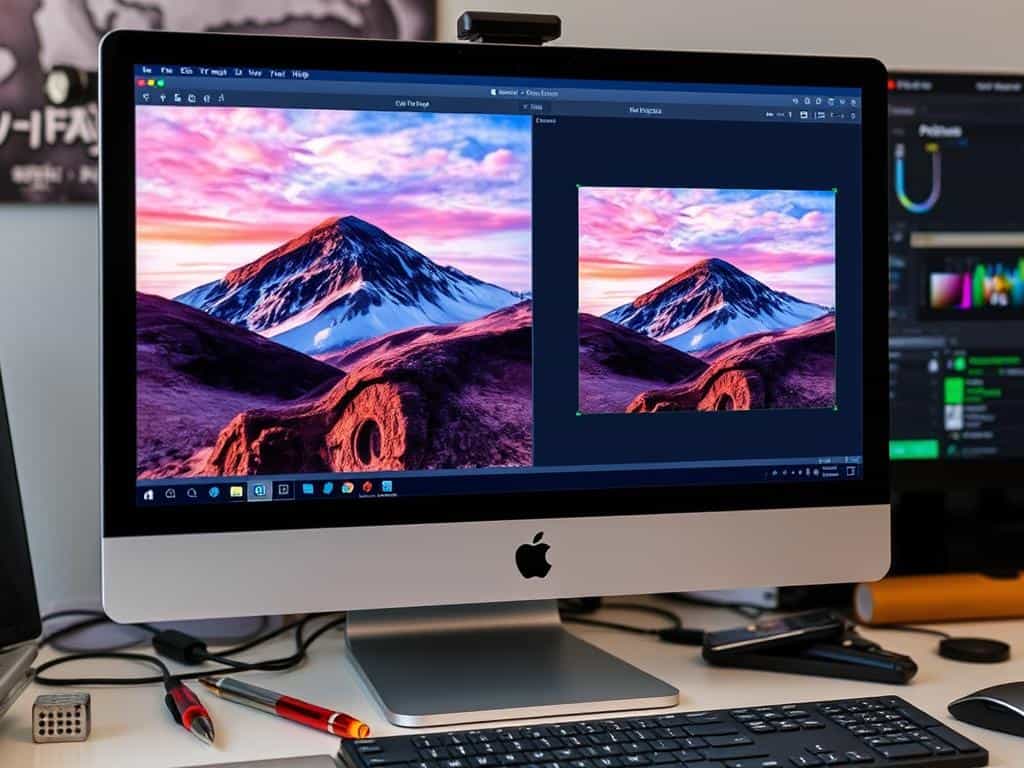
Top Image Resizing Tools to Maintain Quality
Choosing the right tools is key for high-quality digital images. Many image resizing tools meet different needs, making photo management easy. Whether you need to resize many images at once or enhance them, there’s a tool for you.
Overview of Effective Tools
Right tools make photo editing better. Many tools offer special features for all users. AI helps keep details sharp, even when images are resized.
These tools are great for social media, blogs, or e-commerce. They ensure your images look good and load fast.
Gigapixel 7
Gigapixel 7 by Topaz Labs is a top pick for realistic image resizing. It uses AI to enlarge images without losing clarity. Even large photos can be doubled in size without graininess.
It’s a leader in image resizing, making photo enhancement easy.
Upscale.media by PixelBin.io
Upscale.media is a user-friendly online platform for batch resizing. It lets you upload many photos at once, making editing quick. It’s great for keeping images sharp and fitting for digital platforms.
Adobe Photoshop
Adobe Photoshop is a top choice for photo editing. It’s known for its wide range of features, including resizing images. It offers precise control over image quality.
Whether for websites or promotional materials, Photoshop is reliable. It’s perfect for both pros and casual users.
Conclusion
Effective image resizing is key for keeping images sharp across different uses, like web design and social media. Tools like Gigapixel 7, Upscale.media, and Adobe Photoshop offer special features for everyone. They make it simple to get clear images, thanks to batch processing and AI.
Knowing how resizing affects image quality is important. Using the right methods keeps images looking good, even when they’re changed in size. This helps me show off my work better, whether it’s for a job or a hobby.
Putting a focus on resizing images well boosts user experience and can increase engagement online. As experts know, the right image can really draw people in. It shows that making images of high quality is always worth it.
