Did you know over 60% of e-sport gamers love linear switches? They like them for being smooth and easy to press. This shows how important choosing the right keyboard switch is. It can change how you play games and type every day.
Exploring clicky, tactile, and linear switches can really help. Each type can make your typing better and more comfortable. Whether you’re gaming fast or typing a lot, the right switch matters a lot.
Let’s look at what each switch type offers. This way, you can find the best one for you. It’s all about making your keyboard use better and more enjoyable.
Key Takeaways
- Linear switches are favored by e-sport gamers for their quick and smooth actuation.
- Clicky switches offer satisfying auditory feedback but may disrupt shared environments.
- Tactile switches provide a good balance, making them ideal for typing and casual gaming.
- Understanding each switch type can enhance your overall typing experience and work efficiency.
- Choosing the right switch type can significantly cater to your individual preferences and needs.
Understanding Clicky Switches
Clicky switches are loved by many for their unique sound and feel. They are popular in gaming keyboards and among typing fans. Each keystroke makes a sound, thanks to a click bar inside the switch.
What are Clicky Switches?
Clicky switches are known for their sound and tactile bump. They help improve typing speed and accuracy. The sound they make lets users know when a key is pressed, without needing to press it all the way down.
Popular Clicky Switch Brands and Models
Brands like Cherry MX Blue, Kailh Box Jades, and Razer Greens are favorites. Each model offers a different feel and sound. Cherry MX Blue is famous for its loud click, while Kailh Box Jades are durable and clicky without being scratchy.
Pros and Cons of Clicky Switches
Clicky switches have their good and bad sides. The good is the fun sound and feel they provide. This makes typing more enjoyable and accurate. But, they can be too loud for quiet places.
It’s important to think about whether the benefits are worth the noise they make.
Exploring Tactile Switches
Tactile switches are loved by typing fans and gamers. They give a clear bump when pressed, making typing feel better. Unlike clicky switches, they are quieter, fitting well in busy offices or quiet gaming times.
What are Tactile Switches?
Tactile switches are a type of mechanical keyboard switch. They give a physical feedback when pressed. This feedback is a soft bump, unlike the loud click of clicky switches.
This design makes typing smoother, even during long sessions. It helps maintain a steady rhythm in typing.
Best Tactile Switches for Different Needs
There are many tactile switch options to choose from. Cherry MX Brown switches are well-known for their balanced feel. They have about 50g actuation force.
Gateron Brown switches are lighter, making typing feel smoother. Kailh Box Brown switches offer a strong tactile bump. They are also durable and dust-resistant.
Each switch type meets different needs, improving typing feedback.
Advantages and Disadvantages of Tactile Switches
Tactile switches are great for their quiet feedback and comfort. They are perfect for offices and long typing times. This makes them comfortable and productive.
But, some might find the tactile bump hard to get used to. It could cause finger fatigue. So, picking the right switch is key to enjoying and staying comfortable while typing.
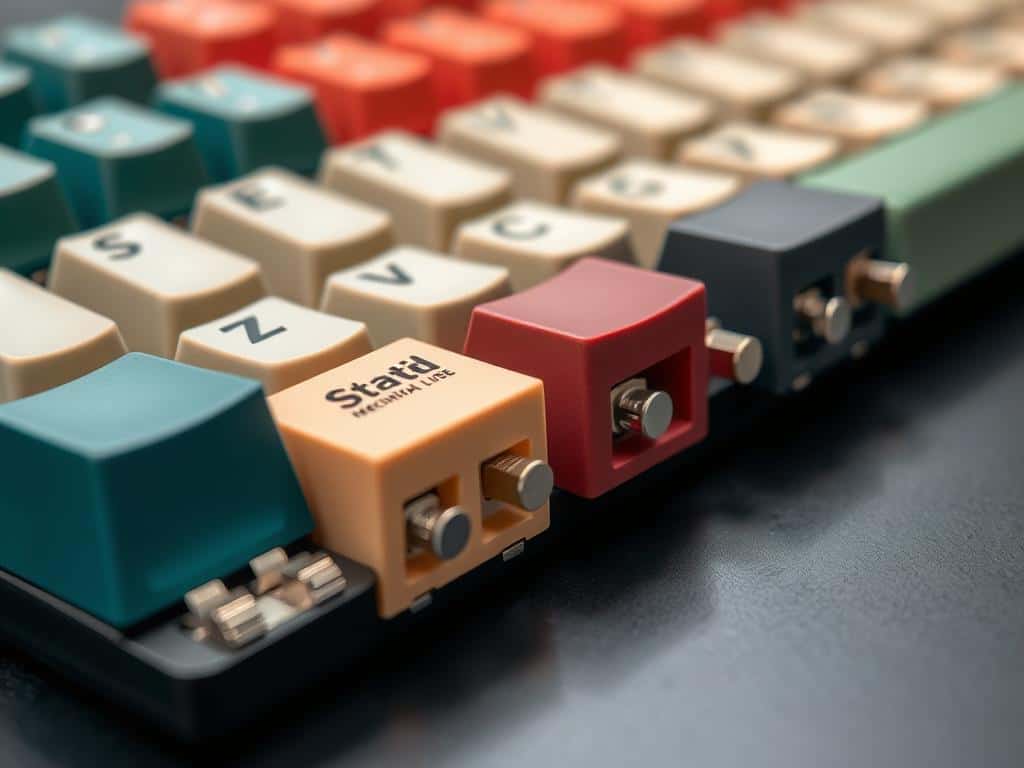
Keyboard Switch Types: Linear Switches Explained
Linear switches are known for their smooth typing experience. They don’t have bumps or sounds, unlike tactile or clicky switches. This makes them great for both typing and gaming, where quick actions are key.
Defining Linear Switches
Linear switches are easy to press, thanks to their light actuation force. Gamers love them because they respond quickly. The switches have a smooth feel, allowing for fast and smooth key presses.
The Cherry MX Red is a top example of a linear switch. It has a light actuation force of 45 cN and a short actuation distance of 2 mm.
Top Linear Switch Recommendations
Looking to upgrade your mechanical keyboard? Consider Wuque Studios WS Red and WS Yellow switches. They’re factory-lubricated for a silky-smooth feel. For a premium option, Kinetic Labs’ Moon V2 switches are top-notch.
These switches are perfect for gaming, where speed matters. They ensure a superior typing and gaming experience.
Conclusion
Choosing keyboard switches can really change how you type and feel about it. Clicky, tactile, and linear switches each have their own special qualities. They meet different needs for users.
Clicky switches are great if you like hearing the sound of your keys. Tactile switches make typing more comfortable, even for long times. Linear switches are best for gamers because they let you type smoothly without any bumps.
Think about where you’ll use your keyboard. Tactile switches are good for shared spaces because they’re quiet but give feedback. Linear switches are best for gaming because they help you focus.
Each switch type changes how you use your keyboard and interact with it. Knowing what you need helps you pick the right switch for you.
Finding the right switch can make typing more fun and productive. It’s all about sound, feedback, or smoothness. Understanding these differences helps you choose the best switch for your typing needs.
