Did you know that high-end gaming laptop cooling pads can drop temperatures by 17-20°C during long gaming sessions? This can make your gaming better and help your laptop last longer. With laptops being used more for tough tasks, the question is: do cooling pads really help? In this laptop cooling pads review, I’ll look into their role and how they fight laptop overheating, mainly for high-performance laptops.
I’ve tested many tech items, picking the best based on how well they work, their design, and what users say. The right cooling pad can greatly boost cooling efficiency, solving a common problem. Let’s see what makes these gadgets a good buy and find the top cooling pads out there.
Key Takeaways
- Cooling pads can lower laptop temperatures by 7-10°C when used right.
- Top models can have airflow rates of 70-80 CFM or more.
- Basic cooling pads might cut temperatures by 2-3°C while in use.
- Cooling pads for gaming laptops often have faster RPM fans.
- Choosing quality cooling pads can improve your system’s performance.
Understanding Laptop Overheating
Laptop overheating is a common problem many users face. It often comes from a mix of factors that can really hurt performance. Knowing the causes and effects helps us prevent damage. Taking care of our laptops and using cooling solutions can keep them running smoothly.
Causes of Overheating
Many things can cause laptops to overheat, mainly because of powerful parts that get too hot. Activities like gaming, video editing, or doing lots of things at once can push these parts too hard. Dust and blocked vents also play a big role by stopping air from moving and trapping heat.
Cleaning your laptop fans regularly is key. I suggest doing this a few times a year. Using a cooling pad can also help, directing air where it needs to go. If you don’t take care of your laptop, it’s more likely to overheat over time.
Effects of Overheating
Overheating can have serious effects, like making your laptop slow down a lot. This can make games or important tasks run poorly. It can even damage important parts like the CPU, GPU, and motherboard.
Also, overheating can cause you to lose your files. If you don’t back up your data, you could lose everything. Excessive heat can even make your laptop shut down and not turn back on. This shows how important it is to keep your laptop cool.
Laptop Cooling Pads Review
Laptops can get too hot, which is bad for them. A good cooling pad can really help. It keeps the laptop cool and working well.
The Kootek Cooler Pad Chill Mat 5 is a great example. It has five fans, including a big 120mm fan. This makes it very good at cooling. The Tree New Bee Cooling Pad is also great for bigger laptops. It has four 110mm fans for 17-inch laptops.
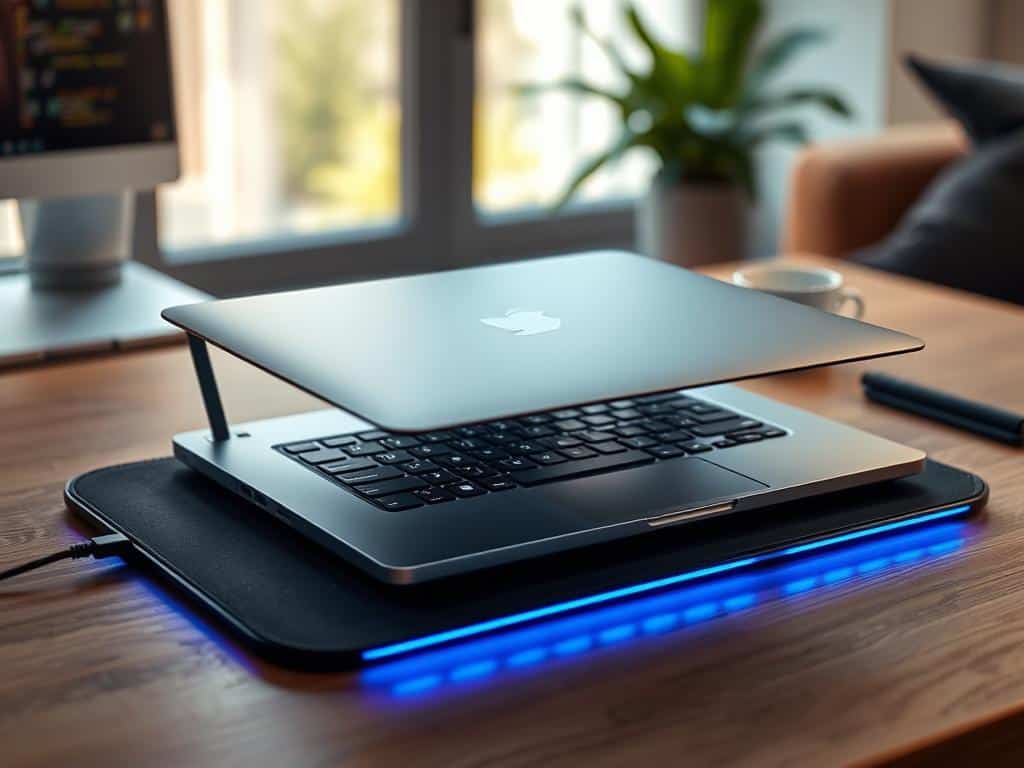
The Cooler Master NotePal U3 Plus has a big fan that moves a lot of air. It’s perfect for laptops. The Thermaltake Massive 20 RGB has a 200mm fan and looks cool. It’s good for laptops up to 19 inches.
The Targus Chill Mat has two fans that spin fast. The TeckNet N8 has three 118mm fans. These show how different designs can cool laptops in different ways.
Lightweight options like the Cooler Master Notepal X-Slim and the Klim Cool are also good. They have smaller fans but are easy to carry. Choosing the right cooling pad is key to keeping your laptop cool and running well.
Top Picks for Cooling Pads
Finding the right cooling pad can really help your laptop perform better. This is true during long gaming sessions or when you’re working hard. I’ve picked the best laptop cooling pads after testing many. Each one is great at cooling, looks good, and is easy to use.
Llano Gaming Laptop Cooler
The Llano Gaming Laptop Cooler is amazing at keeping your laptop cool. It has a strong 5.5-inch turbo-boost fan. This pad can lower your laptop’s temperature by up to 44 degrees Celsius in just 90 seconds.
It looks cool too, with customizable RGB lighting. Gamers love it. Plus, it has a USB hub for easy connection of devices.
TECKNET Laptop Cooling Pad
The TECKNET Laptop Cooling Pad is light and cools well. It has three big fans for even airflow. It fits many laptop sizes, making it a great choice for lots of people.
It’s easy to carry and cools your laptop well. That’s why it’s one of the best cooling pads out there.
ThermalTake Massive 14-2
The ThermalTake Massive 14-2 is big, fitting laptops up to 17 inches. Its large fan moves air well and is quiet. This means you can game or work without distractions.
It’s also very sturdy. This makes it a good choice for anyone who wants to keep their laptop cool.
AICHESON K1 Gaming Cooling Pad
The AICHESON K1 Gaming Cooling Pad has nine fans for top cooling. It’s adjustable, so you can set it to different angles. This makes it comfy to use for a long time.
It fits laptops from 15 to 18 inches. It also has special air filters to keep it quiet while cooling well.
Conclusion
Keeping your laptop cool is key to its performance and life span. My review shows how important cooling solutions are. With many options available, finding the right cooling pad for your laptop is essential.
The Llano Gaming Laptop Cooler and AICHESON K1 are top choices. They have fast fans that cool laptops well. But, if you want something lighter, the TECKNET Laptop Cooling Pad is a good option. It’s portable but might not cool thicker laptops as well.
Knowing what each pad offers helps you make a smart choice. This way, you can find a cooling pad that fits your needs. It keeps your laptop running smoothly for years to come.
