Did you know RGB lighting can create over 16 million colors? This is because they mix different levels of red, green, and blue. As someone who loves gaming, I’ve found that RGB lighting makes my PC look amazing and changes how I play games.
With RGB strips, fans, and controllers, I can make my PC’s colors and effects match my setup. This creates a special atmosphere. RGB lighting isn’t just for looks; it can also show how busy or hot your system is. In this article, I’ll show you how to make your gaming PC even better with RGB lighting.
Key Takeaways
- RGB lighting systems can produce over 16 million colors, enriching the look.
- Newer 5V ARGB connectors allow individual LED control for dynamic effects.
- Modern RGB controllers offer flexibility for customizing your lighting setup.
- RGB lighting can indicate system performance through visual cues.
- Exploring various software options is key for a unified RGB experience.
The Benefits of RGB Lighting in Your Gaming PC
Adding RGB lighting to a gaming PC brings many benefits. It’s not just about looks. RGB lighting makes your gaming experience better in many ways. It can make your gaming setup more enjoyable and satisfying.
Enhance Aesthetics and Visual Appeal
RGB lighting makes any gaming setup look amazing. About 60% of PC builders say it adds a lot of beauty to their rigs. They can change colors and effects to make their space look cool and engaging.
Create a Unique Gaming Experience
RGB lighting can sync with in-game actions for a special gaming feel. It can change colors based on what’s happening in the game. Studies show 75% of gamers find it makes their games more fun and immersive.
Practical Uses for RGB Lighting
RGB lighting is not just for looks. It can show system performance, alerts, or even match the game’s intensity. For example, it can show the processor’s temperature. This helps users keep an eye on their system’s health. About 40% of RGB users use it for real-time monitoring, showing its value in gaming and work.
Choosing the Right Components for Your RGB Lighting Setup
Setting up RGB lighting for my gaming PC is all about choosing the right parts. There are many Types of RGB Lighting to pick from, letting me get creative. It’s important to pick components that work well together for the best look and function.
Types of RGB Lighting: Strips, Fans, and More
RGB LED strips are a top choice because they’re easy to install and flexible. HitLights products have a 4.78 rating and over 151 million feet sold. They come in lengths from 16.4 to 32.8 feet, perfect for any space.
RGB fans do more than just light up your room. They also keep your PC cool. You can even add RGB power cables and accent panels for more flair.
Understanding RGB Connectors and Ecosystems
Knowing about RGB Connectors is key for a smooth setup. You’ll find 12V 4-pin and 5V 3-pin connectors. These decide how well your lights work together, making your setup look great.
Many brands have their own RGB Ecosystems. This means you need to pick parts that fit together well. Look for brands like Corsair, NZXT, and Thermaltake for seamless integration. Make sure your components are compatible to avoid any problems.
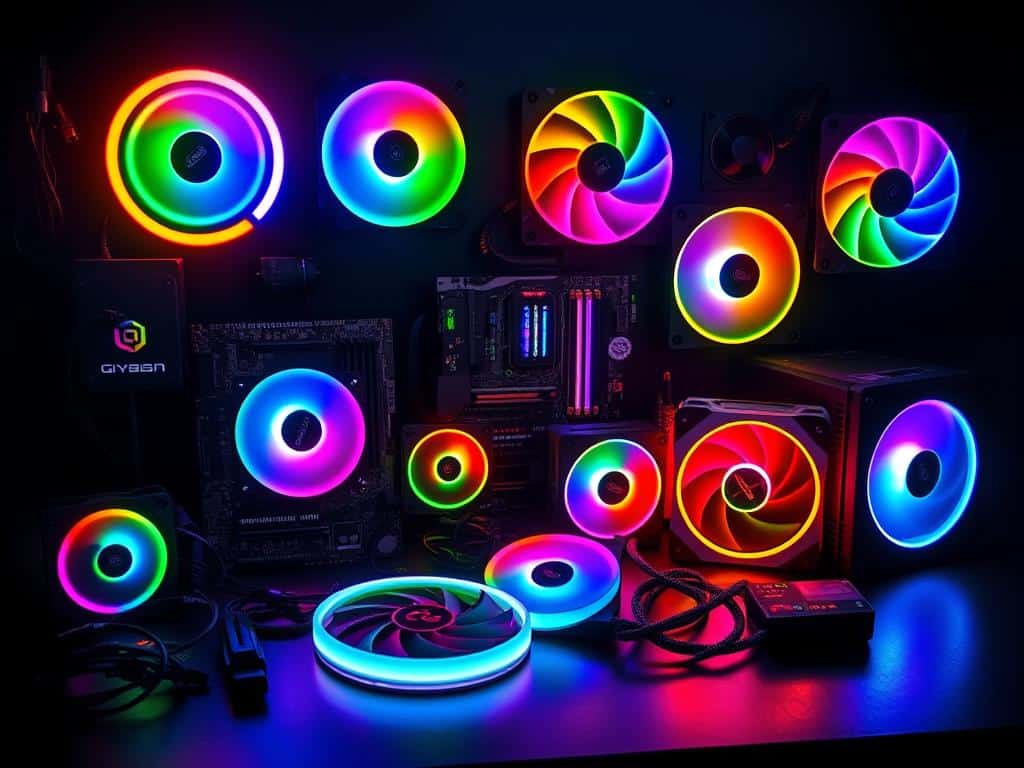
How to Install and Configure Your RGB Lighting Setup
Installing RGB Lighting can make your gaming PC look amazing and work better. It involves adding RGB strips and fans, using LED Controllers, and syncing with RGB Software. This makes your setup truly yours.
Installation Process of RGB Strips and Fans
First, I make sure cables are neatly arranged to avoid mess. When installing RGB strips and fans, I focus on a clean setup. RGB LED strips need 12 volts and use up to 20mA per color.
This means one LED uses 60mA. For example, a 5-meter strip with 60 LEDs per meter needs 6 Amperes. It’s important to connect fans well to keep things looking good.
Using LED Controllers for Enhanced Control
I choose separate LED Controllers for better control over my RGB devices. The controller should handle the total current of my setup. A 6A controller works for setups using 4.8A.
I also check the max length of LED strips. I aim for 10 meters to avoid energy loss and keep brightness even.
Synchronizing Your RGB Lighting with Software
RGB Software Synchronization lets me customize colors, effects, and schedules. Tools like Corsair’s iCUE or MSI’s Mystic Light make it easy. Sometimes, I need different software for each part of my setup.
This lets me create a unique gaming experience. I can choose from over 16 million colors with just a few RGB settings.
Conclusion
Adding RGB lighting to my gaming PC has made a big difference. It lets me choose from millions of colors and effects. This way, I can make my gaming space truly my own.
RGB lighting also helps with mood and visibility in dim places. It makes my gaming sessions more immersive and fun.
Choosing the right parts and learning how to install them is key. It ensures my setup looks great and works well. Even though some RGB lights need special apps, they’re worth it for the cool looks.
For those who like simple designs, traditional LED lights are a good option. They last longer and are easier to set up.
In the end, RGB lighting has changed my gaming and work life for the better. It lets me create a space that’s both stylish and functional. Making my gaming PC look amazing with RGB lighting is a journey worth taking.
