Did you know voice dictation software can be up to 97% accurate? Tools like Dragon by Nuance are changing how we use our devices. They’ve become essential for many professionals.
Using these tools, I’ve found typing without a keyboard is easy. It frees us from keyboard limits. Now, dictation software is precise, making typing faster and more efficient.
In this article, we’ll look at top dictation tools. We’ll see what makes them special and how they can help you. From Apple Dictation to Gboard, there’s a lot to choose from. Let’s see how these tools can boost your work!
Key Takeaways
- Voice dictation software can significantly improve typing speed and accuracy.
- Tools like Dragon by Nuance and Microsoft Speech Recognition are leading the market.
- High accuracy rates make these tools invaluable in industries like healthcare and law.
- Real-time transcription enhances workflow efficiency for professionals.
- Adoption rates of voice typing solutions are projected to rise in various sectors.
Understanding Voice Dictation Software
Voice dictation software has changed how we use technology today. It turns our spoken words into written text easily. This is great for people with disabilities and saves us from the tiredness of typing.
What is Voice Dictation Software?
Voice dictation software helps turn spoken words into text. It uses smart algorithms and AI to understand different voices and accents. It’s very helpful for those who find writing hard or want to make writing easier.
How Does Voice Dictation Software Work?
Voice dictation software uses advanced voice recognition to change sound into text. When I speak, it captures my voice and uses its databases to process it. It needs to learn our voice and commands to work best.
The Best Dictation Tools Available
Finding the right dictation software can be tough with today’s tech. I’ve tested many and picked the top voice dictation tools. They stand out for their performance, flexibility, and accuracy.
Top Picks for Voice Dictation Tools
Apple Dictation is free on Apple devices and works with 66 languages. It’s very accurate, about 95%, making it popular among users.
Windows 11 Speech Recognition is a strong choice for Windows users. It’s accurate, about 95%, and great for writing emails and documents.
Dragon by Nuance leads with a 99% accuracy rate. It has special versions for legal and medical needs. It starts at $15/month for serious users.
Google Docs Voice Typing is great for Google users. It types as you speak, with formatting and punctuation. It supports 62 languages, helping users worldwide.
Gboard is Google’s keyboard app for mobile. It’s accurate, up to 98%, and free. It’s perfect for dictating on the go.
Otter.ai is best for team meetings. It transcribes in real-time. The free plan offers 600 minutes a month, with more for paid plans.
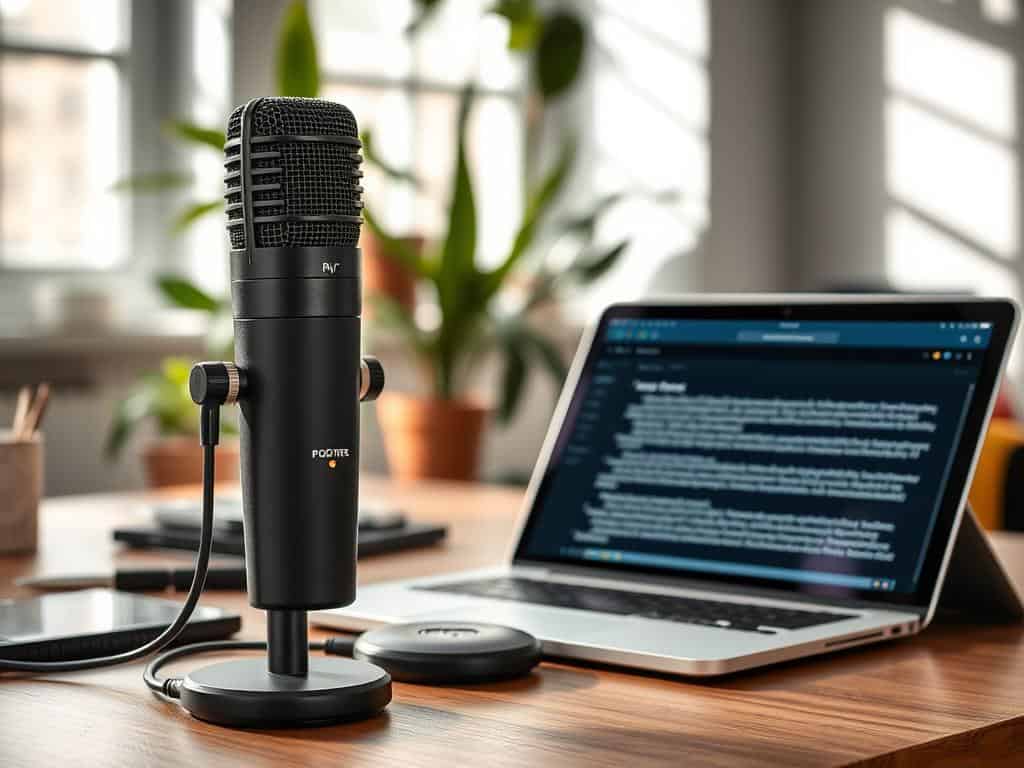
These tools show the variety and power of modern dictation software. They make converting speech to text easy and efficient, boosting productivity.
Conclusion
Using voice dictation software can really boost our productivity and make things more accessible. With over 60% of employees working from home, we need tools that work well. These tools let me write fast, much faster than typing.
Writing documents takes up a lot of time, about 60% of a workday. But with voice dictation, I can save half that time. It also helps avoid injuries from typing too much.
By using these tools, my work flow gets better, and I can be more creative. It changes how I use technology and helps me stay ahead in my career. I’m looking forward to seeing how these tools will change our work in the future.
