Did you know that about 60% of audio editing time can be saved by using markers well? This shows how key it is to learn audio editing basics. Today, with so much content out there, making great sound is a must for podcasts, films, and music. In this quick guide, I’ll cover the basics and techniques to help beginners get started.
If you’re into podcasting or just love recording voices, knowing audio editing basics can really help. I’ll explain important concepts simply. This way, even new creators can start this journey feeling confident and ready.
Key Takeaways
- Understand the significance of high-quality audio in media production.
- Familiarize yourself with essential audio editing tools.
- Learn basic editing techniques that improve sound quality.
- Explore popular software options available to beginners.
- Master how to set up an efficient workspace for editing.
Understanding Audio Editing Basics
Audio editing is more than just tweaking sound. It’s about making audio clear, smooth, and professional. Whether I’m editing podcasts or music, knowing the basics makes a big difference.
What is Audio Editing?
Audio editing is about improving sound quality and removing bad noise. It includes cutting parts, mixing tracks, and adding effects. Mastering voice recording techniques is key to quality audio that keeps listeners interested.
Importance of Audio Quality in Content Creation
Good audio quality is essential in content creation. Bad sound can lose 70% of listeners. High-quality audio shows professionalism and grabs attention.
Investing in sound mastering for podcasts is worth it. Clear sound makes stories more impactful. It’s a big part of creating a great listening experience.
Essential Tools for Audio Editing
Finding the right tools is key for anyone starting in audio editing. There are many options, each catering to different needs. These programs are designed to help beginners in audio editing.
Popular Free Audio Editing Software Options
Audacity is a top choice for free audio editing software. It has features perfect for beginners. Other great options include MyEdit and Avid Pro Tools | First, known for their easy-to-use interfaces and basic editing tools.
These tools support the essential features needed for a smooth start in audio editing.
Features to Look for in Audio Editing Software
When choosing a free audio editing tool, look for key features. Ensure it works with your operating system and supports formats like MP3 and WAV. Also, it should have basic editing tools like noise reduction and multitrack editing.
A user-friendly interface is vital for beginners. Using a pop filter and noise-cancelling headphones, like the Sennheiser HD 280 Pro, can improve audio quality.
Benefits of Using Audacity for Beginners
The Audacity benefits are huge, even though it’s free. It has powerful features that help beginners learn quickly. Audacity also supports many plugins, making it a versatile choice.
This software lets users create high-quality audio without the cost of premium options.
Quick Steps to Get Started with Audio Editing
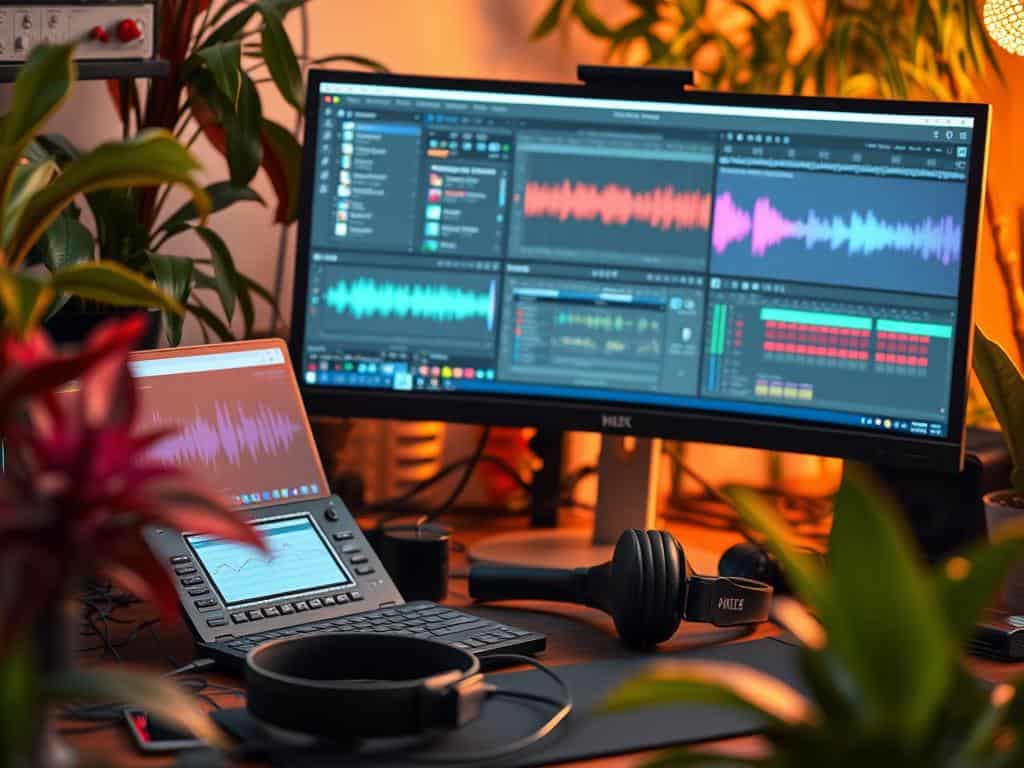
Creating a good audio editing workspace is key to quality projects. A tidy setup makes editing faster and more productive. My space has the right tools and software for efficient editing.
Setting up my podcasting area helps me stay focused. This lets me dive into editing with creativity.
Setting Up Your Audio Editing Workspace
I focus on the best audio gear, editing software, and file management. Good speakers and headphones are essential for catching every sound. I often use Audacity, which is easy for beginners.
Keeping my files organized saves time. A clean workspace is vital for mastering audio editing skills.
Basic Editing Techniques to Master
Learning basic editing techniques is important for top-notch results. I concentrate on trimming, fading, and reducing noise. These skills are the base of good editing.
Using multitrack editors lets me play with layers, boosting sound quality. Adding effects wisely makes my podcasts sound professional. This effort improves my editing skills and project quality.
Conclusion
Mastering the basics of audio editing is key for making great audio content. This is true for podcasting, music, and film. Knowing how to improve audio quality is a big step for beginners.
Learning to edit audio well makes a big difference. Beginners should start with simple edits like trimming and cutting. Using automation in Digital Audio Workstations (DAWs) also helps a lot.
Using the right editing techniques makes audio sound clearer. Tools like noise reduction and equalization are very helpful. Keeping volume levels balanced is also important.
My last thoughts on audio editing are about the importance of practice. Trying out tools like Audacity or Adobe Audition can really improve your skills. It also helps you be more creative.
Getting into audio editing is fun and rewarding. As I keep learning, I’m excited to make better audio experiences. These experiences will really connect with listeners.
