Did you know you can build a great gaming PC for less than $700? High-end systems often cost over $1,000. But, I’m here to show you how to make a top-notch gaming PC for around $750. You’ll learn how to build a powerful gaming rig without spending too much.
Building your own PC lets you pick each part for your gaming needs. This way, you get the best performance for your $700 budget. With choices like the Intel Core i5-12400F and XFX Radeon RX 7600, you can play games well without spending a lot.
This article will cover the key parts for your budget gaming PC. You’ll get a detailed parts list and assembly tips. Whether you’re new to building PCs or on a budget, I’ve got you covered.
Key Takeaways
- Building a gaming PC under $700 can provide excellent performance.
- Customizing components allows for a tailored gaming experience.
- Choosing budget components can deliver impressive results.
- Learning to assemble a PC boosts your tech skills.
- Well-selected parts can outperform more expensive pre-built systems.
Introduction to Budget Gaming PC Build
In today’s gaming world, many are looking for ways to enjoy games without spending too much. Building a DIY gaming PC is a fun challenge that lets you pick every part. It’s rewarding to create a custom PC that fits your gaming style perfectly.
Why Build Your Own Gaming PC?
Building your own gaming PC has many benefits. You can tailor the performance to your favorite games, giving you an edge. It’s also a great way to learn about computer hardware. This knowledge helps you fix problems and improve your gaming setup.
Benefits of Staying Under $700
Staying under $700 is a smart way to get a great gaming PC. You can find amazing deals that don’t sacrifice quality. With careful choices, you can build a powerful PC that plays mainstream games well. It’s all about finding the right parts and keeping an eye out for sales.
Essential Components for Your Budget Gaming PC Build
Building a budget gaming PC means picking the right parts. It’s about finding a balance between cost and performance. This way, I can make a system that’s great for gaming without spending too much.
Choosing the Right CPU for Performance
The CPU selection is key for a gaming PC. AMD and Intel both have great options. For example, the AMD Ryzen 5 5600 is a top pick for its price.
The Intel Core i5 13400F is another good choice. It offers solid gaming performance. This means better frame rates for a smoother gaming experience.
Graphics Card: Budget-friendly Options
Finding a good budget graphics card is important. The AMD Radeon RX 6600 is a standout. It offers great performance at 1080p.
This card ensures I don’t have to sacrifice visual quality or frame rates. It’s a key part of my build.
Motherboard Features that Matter
When picking a motherboard, motherboard compatibility is key. I look for models like the MSI Mag B760 Tomahawk. It ensures all components work well together.
It’s important to choose a motherboard that supports the features I need. This includes enough slots for RAM and storage options. It affects the system’s long-term performance.
RAM Requirements for Gaming
Choosing the right gaming RAM is vital for a good gaming experience. I go for at least 16GB of DDR4 RAM. This keeps gameplay smooth, even with multiple apps open.
Storage: SSD vs. HDD Choices
Storage options impact load times and performance. I often choose a solid-state drive (SSD) for its speed. While HDDs are cheaper, an SSD like the Crucial P3 makes gaming faster and more fun.
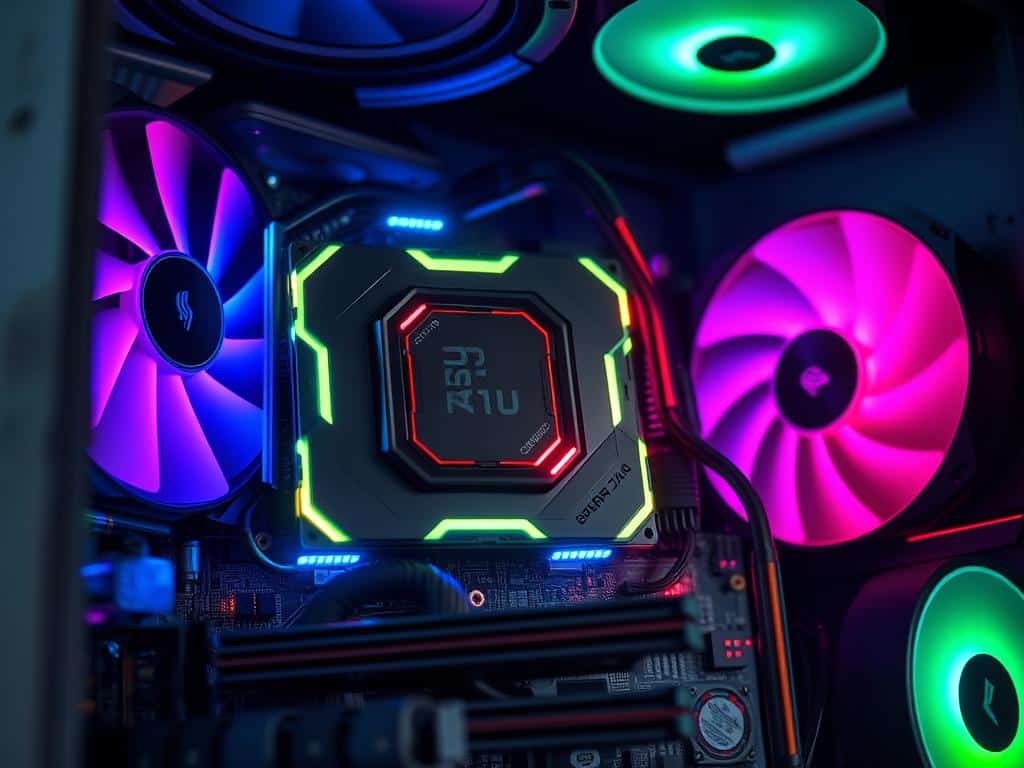
Complete Parts List for a Killer Gaming Build
Building a gaming PC under $700 means picking the right parts. The Ryzen 5 5600G CPU is a top choice at $235. It offers great performance. The MSI Radeon RX 6500XT graphics card, priced at about $199, is a good mix of cost and gaming power.
I suggest 16GB of Corsair Vengeance LPX DDR4 RAM for smooth multitasking. A Crucial P3 1TB NVMe SSD is also key for quick load times and power efficiency.
Recommended Components Under $700
Every part in this build is important. The AMD Ryzen 5 5600G CPU is fast, essential for today’s games. The MSI Radeon RX 6500XT graphics card ensures you can play popular games smoothly.
A 1TB SSD boosts loading speeds and saves power. These parts together make a powerful setup at a great price.
Where to Purchase Your Parts
For buying parts, Amazon and Newegg are top choices. They often have good deals, and sales can save you even more. Looking for open-box or refurbished parts can also cut costs.
Online marketplaces like eBay and Craigslist are good for finding used parts. Just make sure to check their condition before buying to fit your build.
Tips for Assembly and First Boot
For a smooth build, follow a detailed assembly guide. Organize your workspace to fit all parts easily. When installing RAM, press it in with about 30 pounds of force.
Good cable management is key for cooling. Before your first boot, check all connections and BIOS settings. This step can prevent common issues.
Conclusion
Building a gaming PC under $700 is not just possible—it’s rewarding. It boosts my gaming without costing too much. I picked the right parts to play games well and stay within budget.
I can play games like Fortnite and Apex Legends at high quality. This shows my budget build works great.
Choosing the right parts, like the AMD Ryzen 5 5600X and PowerColor Fighter AMD Radeon RX 6600, was key. They offer great performance now and can be upgraded later. This makes my setup even better over time.
By focusing on performance and following assembly tips, I built a PC that rivals others. Keeping it maintained and possibly overclocking keeps it strong. I’m happy with my choice, as it offers great value and performance.
