Multitasking is key in today’s fast world. Studies show it can double or triple your workspace with screen split monitors. I’ve looked into different screen splitter software to manage tasks better and boost my productivity.
Windows 11 lets you split your screen in up to four ways, including equal halves and custom layouts. macOS has supported split screens for over eight years. These tools change how we work, letting us use multiple displays and window managers to organize apps and emails. They help me multitask and stay focused better.
Key Takeaways
- Multitasking is essential in today’s digital work environment.
- Screen split monitors can effectively double or triple your available workspace.
- Windows 11 offers multiple split-screen configurations for versatile layouts.
- macOS has supported split-screen functionality for over eight years.
- Using screen splitter software can enhance productivity and organization.
Why Use a Dual Monitor Setup for Increased Productivity?
In today’s fast-paced work environment, a dual monitor setup is a game-changer. It offers significant advantages for productivity. With multiple screens, I can display several applications at once, boosting my efficiency.
Research by Jon Peddie shows a 42% productivity increase with dual monitors. This boost is undeniable, making work faster and more effective.
Benefits of Multi-Screen Workspaces
One key benefit of multi-screen workspaces is enhanced multitasking. I can view and interact with several applications at once. For instance, I can keep my email open on one screen while researching on another.
This setup reduces the need to switch between applications. It cuts down the number of switches from 13 to 7 during tasks. Each document switch takes about two seconds, saving a lot of time over the workday.
Enhanced Collaboration
The dual monitor setup is also vital for enhanced collaboration. Teams can work together while seeing shared project materials, even during video calls. I find it leads to a more organized workspace, reducing distractions.
It shows that a well-configured dual monitor setup benefits both individual productivity and teamwork. It makes the workflow smoother for everyone.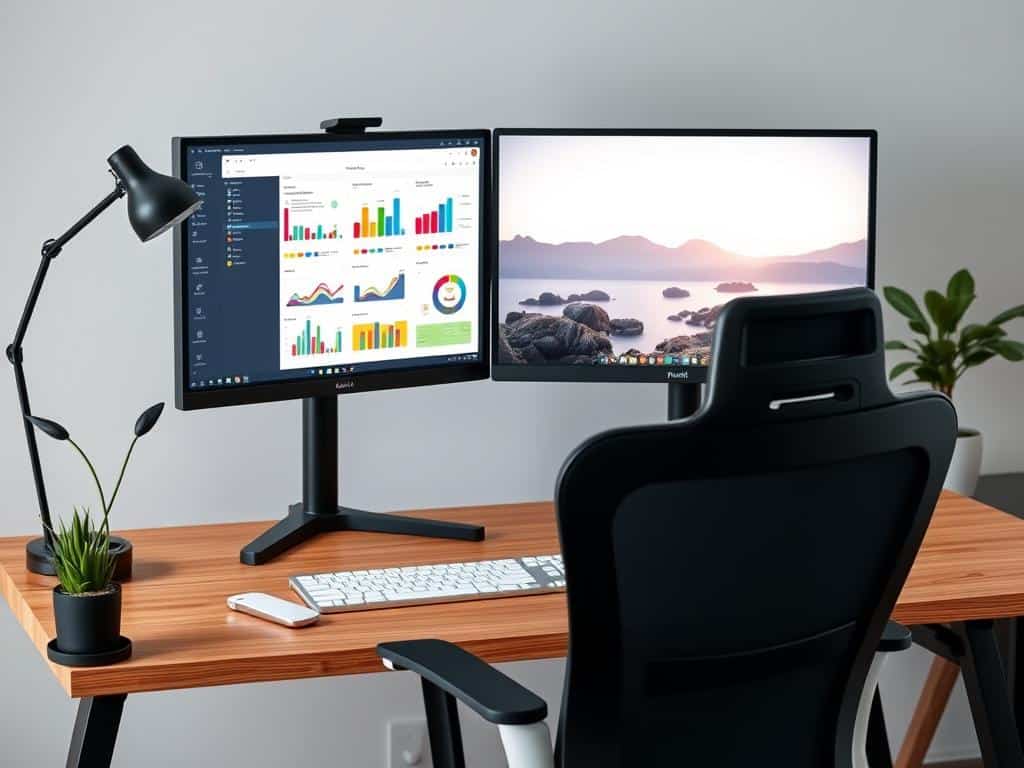
Top Screen Splitter Software for Multi-Tasking
Using top screen splitter software makes my dual monitor setup super productive. Each tool has special features that boost my multi-tasking skills.
LetsView
LetsView is a great tool for connecting devices wirelessly. It mirrors screens from phones and PCs, making it easy to work across different platforms. It’s a must-have for creating a flexible workspace.
DisplayFusion
DisplayFusion is key for managing multiple monitors. It has cool features like a multi-monitor taskbar and customizable hotkeys. It also lets me divide screens into virtual displays, keeping me organized and productive.
Synergy
Synergy makes using one keyboard and mouse across monitors easy. It lets me switch between devices smoothly, no matter the operating system. This keeps my work flowing without interruptions.
Spacedesk
Spacedesk turns other devices into extra displays, perfect for teamwork and presentations. It works well with touch devices, making multitasking more fun and interactive.
Duet Display
Duet Display is known for its low latency, making it great for remote work. It’s also touch-friendly, adding to its usability and efficiency.
Conclusion
Using a dual monitor setup with screen splitter software really boosts my productivity. Tools like LetsView, DisplayFusion, and Synergy make managing tasks easier. They help me work on several things at once, making my workspace better for both solo projects and team work.
Studies show that screen splitting can increase productivity by up to 30%. I’ve seen this myself, thanks to features like Snap Assist on Windows. It lets me quickly find what I need, saving me time and reducing stress.
Getting these tools is a smart choice for improving my daily work. Whether I’m making content, checking data, or working with others, a good screen setup helps me handle tasks better. So, using screen splitter software not only changes my work space but also makes me more efficient and happy.
