Did you know using two monitors can make you 42% more productive? This shows how important it is to use multiple screens for better work and play. Whether I’m working hard, playing games, or juggling projects, having an extra screen has changed the game. But, setting up and placing your monitors right is key to avoid discomfort and get the most out of it.
In this guide, I’ll share tips and best practices for the best dual monitor experience. It will help you do your daily tasks better.
Key Takeaways
- Dual monitors can increase productivity by up to 42%.
- Match monitor sizes; 27 to 32 inches are ideal for dual setups.
- A higher resolution like 4K maximizes clarity for detailed work.
- Ensure both monitors are positioned at eye level to prevent strain.
- A second monitor can save valuable time when compiling reports.
- Regularly utilize ergonomic features to promote comfort.
Benefits of a Dual Monitor Setup
Getting a dual monitor setup can really boost your productivity. It lets you handle many tasks at once, making your work area more organized and efficient.
Increased Screen Real Estate
A dual monitor setup gives you more screen space. This means you can have several apps open at the same time. You won’t have to keep switching between windows as much.
Studies show that having more screen space can make you up to 42% more productive. Being able to see documents side by side makes tasks easier and keeps your desktop clean.
Enhanced Multitasking Capabilities
Working with two monitors can greatly improve multitasking. Employees who do graphic design or programming see a 20% boost in efficiency. This is because you can keep chat apps open while working on documents.
This setup lets you stay focused and work faster. It’s a big win for keeping your workflow smooth.
Improved Workflow Efficiency
Switching between tasks is faster with two monitors. It saves you about 3.5 seconds per switch. This means you can focus better and get things done quicker.
Research shows that 67% of workers feel more productive with dual monitors. It’s clear that having two screens can really help improve your workflow.
External Monitor Setup: Best Practices
Setting up external monitors right is key for comfort and productivity. By following these tips, I can make my multi-screen experience better for work or play.
Match Size and Resolution
First, I match the monitor size and resolution. This makes switching between screens easy and comfortable. It helps avoid feeling off balance, which can hurt focus and productivity.
Choosing the Right Cables
Good cable management is important. I pick the right cables like HDMI or DisplayPort for my devices. Checking my monitor and computer’s outputs helps. This keeps my workspace tidy and organized.
Optimal Monitor Positioning
Where I place my monitors is also key. I keep them at eye level and aligned to avoid neck pain. This setup is not only comfy but also boosts productivity by keeping my line of sight natural.
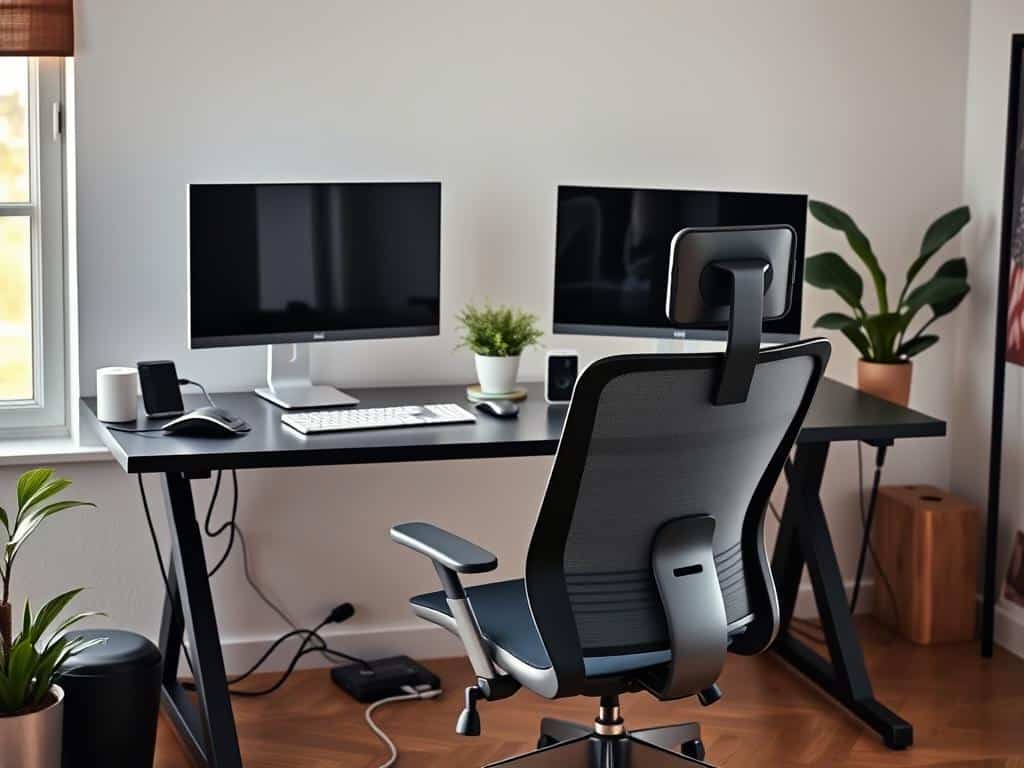
Fine-tuning Your Multi-Screen Experience
Adjusting your dual monitor setup for optimal performance involves several strategies. By fine-tuning dual monitors, you can significantly enhance your productivity and streamline your workspace.
Embracing the Extended Desktop Feature
The extended desktop feature lets me use both monitors well. I can show different apps on each screen. This setup gives me more space and helps me multitask better.
Instead of seeing the same thing on both screens, each monitor has unique content. This makes it easier to manage my work. I can switch between tasks smoothly.
Organizing the Taskbar for Clarity
Keeping the taskbar organized improves my desktop experience. I make sure active apps are shown only on their screens. This keeps my workspace tidy and helps me stay focused.
It prevents distractions and lets me concentrate on my work. This way, I can avoid getting sidetracked.
Utilizing Keyboard Shortcuts
Using keyboard shortcuts boosts my productivity. Simple shortcuts help me switch between apps quickly. Learning these shortcuts makes my dual monitor setup more efficient.
It lets me move between tasks without hassle. This way, I get the most out of my setup.
Conclusion
Setting up dual monitors can change how you work, making tasks like graphic design easier. Studies show dual monitors can boost productivity by 20-30%. This means you can switch apps up to 50% faster.
Using dual monitors also makes your workspace healthier. It reduces physical strain, creating a better work area. About 72% of users find they work better and multitask more with dual screens.
Now, I want you to try out different setups with dual monitors. By adjusting your setup to fit your needs, you can work more efficiently. This will make your work environment better for you.
