Did you know about 70% of parents use parental controls on their kids’ devices? Today, this shows how important online safety is. As tech gets better, so does the need to keep kids safe from bad stuff online.
Knowing how to set up strong parental controls is key. It helps kids use screens wisely and stay safe online.
Setting up good parental controls helps my kids use the internet safely. It teaches them about being smart online and staying safe.
Key Takeaways
- 70% of parents use parental controls for their kids’ devices.
- These controls help keep kids away from bad content and cyberbullying.
- Good parental controls help kids use screens better.
- Teaching kids to be smart online is very important.
- 45% of kids share personal info on social media, so watching them is key.
Understanding the Importance of Parental Controls
In today’s world, parental controls are more important than ever. Over 60% of parents worry about their kids seeing bad stuff online. These controls help parents keep an eye on their kids’ online activities, making sure they stay safe.
The Role of Parental Controls in Child Safety
Parental controls are key to keeping kids safe online. They help manage what kids can see and do online. About 37% of parents use these controls on their kids’ devices.
This shows more parents are aware of the dangers online. Talking to kids about safe internet use is also important. It helps them understand the risks. Over 70% of online platforms, like YouTube, have tools to block bad content, making the internet safer for everyone.
How Parental Controls Protect Against Inappropriate Content
Parental controls block bad apps and websites, keeping kids safe. Research shows 40% of kids aged 9-12 have seen upsetting content online. By using these controls, parents can lower the chance of their kids seeing such content.
But, it’s important to keep checking these controls. Sadly, 45% of parents don’t check them often enough. This can leave kids open to risks. Making parental controls a priority is vital for keeping kids safe and helping them grow up healthy.
Parental Control Setup: Key Tools and Features
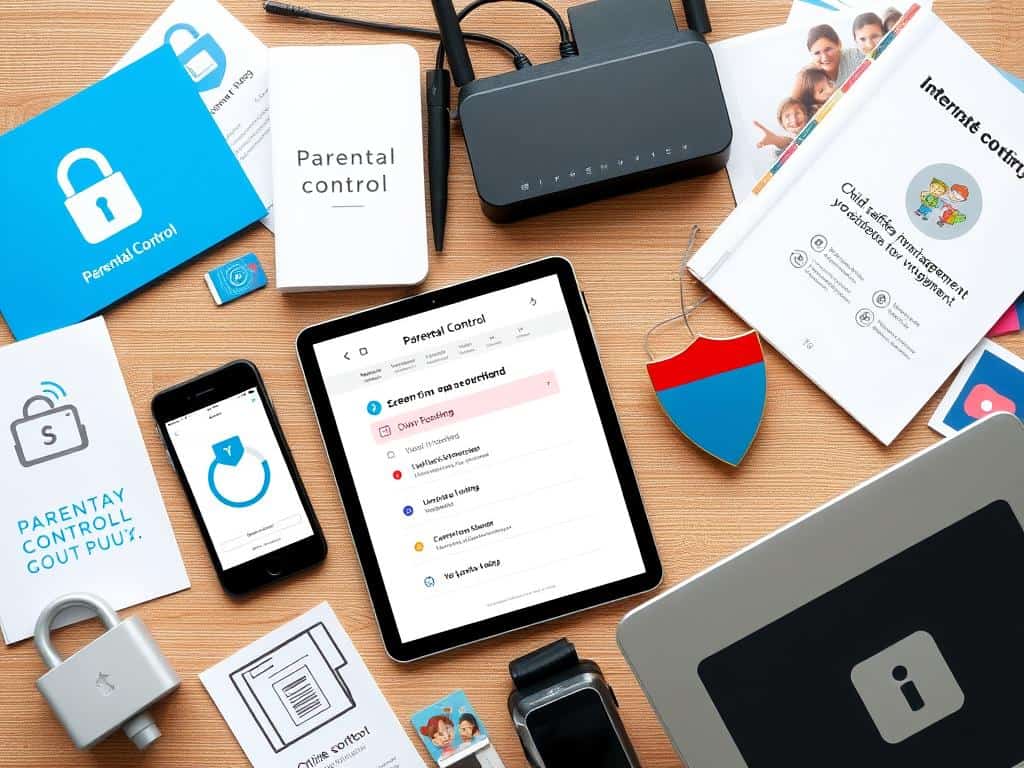
Setting up parental controls is key to keeping kids safe online. I’ve looked into different tools and features that help with online safety. These include browser controls, native OS features, and third-party apps. Each has its own benefits and drawbacks, affecting how well they meet our family’s needs.
Browser-Based Controls and Their Effectiveness
Browser controls are easy to use to block bad content. For example, Microsoft Edge has filters to block explicit sites. This makes it simple for families to keep an eye on internet use without hassle.
Native Operating System Features for Parental Controls
Many operating systems have built-in parental controls. Apple’s Screen Time and Google’s Family Link let parents limit screen time and block bad apps. These features are easy to use, making it simple to monitor devices without extra software.
Third-Party Apps – Pros and Cons
Third-party apps offer more features and monitoring. The Bark app, for example, starts at $14 a month for unlimited monitoring. The Bark Phone costs $39 and offers detailed controls. Apps like Qustodio have a 30-day free trial to test before buying.
But, these apps raise privacy concerns and can be tricky for kids to get around. Knowing the pros and cons helps me pick the best option for my family.
Implementing Effective Filters and Monitoring Apps
Setting up good internet filters and using monitoring apps is key to keeping kids safe online. These tools block bad content and help kids learn to use the internet wisely.
How Internet Filters Work to Block Inappropriate Content
Internet filters block bad websites, making sure kids only see safe stuff online. They work through browsers, operating systems, or special apps. For example, SafeSearch on search engines filters out explicit content.
By using filters, parents can make the internet safer for their kids. This reduces the chance of kids seeing harmful stuff.
Popular Monitoring Apps and Their Features
Apps like Bark, Qustodio, and Net Nanny help track what kids do online. They watch social media, texts, and app use. This lets parents know what their kids are up to.
These apps send alerts for certain words. This helps parents catch problems early. They also teach kids about safe online behavior.
Setting Up Screen Time Restrictions for Healthy Habits
Setting limits on screen time is important for kids’ health. Parental control tools help set these limits. This teaches kids to manage their time online.
Talking to kids about why they need limits helps them learn self-control. Working together to set limits teaches kids responsibility. This helps them develop good online habits.
Conclusion
Setting up parental controls is key for parents wanting to keep their kids safe online. By learning about tools like browser settings and device features, I can make the internet safer for my kids. It’s important to not just block sites but also teach them how to use the internet wisely.
Studies show that parental controls are complex and can be tricky. They may not completely stop bad things from happening, but they help start important talks. These talks teach kids about the dangers of the internet and help them make smart choices.
My work on setting up parental controls is about more than just rules. It’s about teaching my kids how to be safe and smart online. This effort is vital for their future, showing how important it is to keep them safe in the digital world.
