Did you know a good cooling system can boost your PC’s performance by up to 30%? For PC fans and gamers, keeping your PC cool is essential. Overheating can cause performance drops, crashes, and even damage your hardware. This PC Cooling Guide will show you budget-friendly ways to keep your PC cool without losing performance.
I’ll share easy methods to improve your cooling while staying on budget. Let’s explore the key techniques to keep your PC cool and efficient!
Key Takeaways
- Optimal cooling can boost performance by up to 30%.
- Air cooling is the most budget-friendly option.
- Effective airflow is key for keeping temperatures down.
- Regular maintenance stops dust buildup and overheating.
- More intake fans than exhaust fans help airflow.
Understanding the Importance of PC Cooling
Cooling is key in a computer system. It prevents performance issues from overheating. High-powered PC parts can get too hot, causing slowdowns and damage.
Why Heat Management is Crucial for Performance
Good heat management means better performance. A hot processor can slow down your work or games. Keeping your computer cool helps it last longer and work better.
Knowing how air moves helps pick the right cooling system. Keeping fans and heatsinks clean is also important. Dust can make cooling less effective.
Air vs Liquid Cooling: What You Need to Know
Deciding between air and liquid cooling depends on what you prefer and can afford. Air cooling is cheaper and easier to maintain. But, it’s not as good in very hot situations.
Liquid cooling is better at cooling but costs more and is harder to set up. It also has a risk of leaks. Knowing the pros and cons helps choose the best option for you.
PC Cooling Guide: Cost-Effective Strategies
Keeping your PC cool doesn’t have to cost a lot. A few smart moves can make a big difference without breaking the bank.
Optimal Fan Placement for Better Airflow
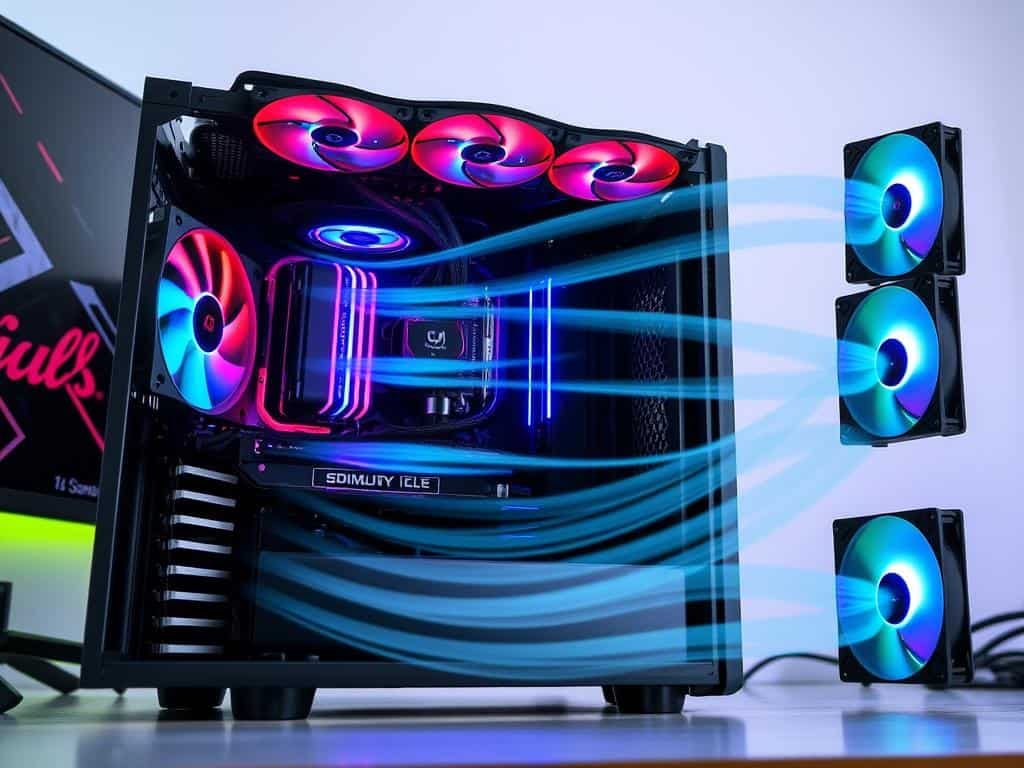
Where you place your fans is key to better airflow. I suggest setting up a system where fans pull in cool air and push out warm air. Make sure to clean your fans and manage cables well to boost airflow.
Using Thermal Paste to Enhance Cooling Efficiency
Thermal paste between your CPU and cooler is a simple yet powerful trick. It helps transfer heat away from your processor. Choose a high-quality paste and apply it right. Replacing it now and then keeps your PC cool.
Airflow Optimization Techniques
To improve airflow, try a few things. Clearing out clutter helps air move better. Dust filters can also help. Use software to keep an eye on temperatures and find the best cooling setup. These steps, along with good cable management, will make your PC cooler.
Conclusion
Keeping your PC cool is key, whether you’re a gamer or just a user. Good cooling stops overheating, which hurts your PC’s speed. Knowing your cooling options helps you find affordable ways to keep your PC running smoothly.
Air and liquid cooling each have their own strengths and weaknesses. Liquid cooling is better for high-performance PCs but costs more. Air cooling is cheaper but needs more upkeep due to dust and airflow problems.
By cleaning regularly, placing fans right, and using thermal paste, you can cool your PC well without spending a lot. This balance between cost and performance helps your PC last longer. Following these tips keeps your PC running great.
