Did you know that over 15 years of leading in the photo editing market is rare? The digital world changes fast. Now, thanks to advanced free photo editing tools, anyone can master photo editing. Millions of creators use tools like Pixlr, which use AI to improve editing without costing a lot.
Whether you’re new or experienced, this article is your go-to guide. I’ve explored many options and found the best tools and techniques. Get ready to discover free tools that can change your images and make your creative process easier!
Key Takeaways
- Free photo editing tools now compete with premium options like Photoshop.
- AI functions are revolutionizing the editing landscape, drastically improving efficiency.
- Millions of users actively benefit from tools like Pixlr and Canva.
- The learning curve for photo editing can be overcome with the right resources.
- Understanding available features helps in tailoring the editing experience to your needs.
- Basic photo editing techniques can significantly enhance image quality.
The Best Free Photo Editing Tools Available
Looking for top photo editing tools? GIMP, Canva, Pixlr, and Fotor are great choices. They offer unique features for different needs. These tools make editing fun and easy for everyone.
GIMP: The Ultimate Open-Source Editor
GIMP is a top pick for free photo editing. It has lots of features like layers and plugins. It’s a strong choice for both hobbyists and pros.
Canva: Easy Graphic Design for Everyone
Canva is more than just for graphics. It’s great for photo editing too. It has over 8,000 templates for social media. Its easy-to-use design helps beginners get amazing results fast.
Pixlr: A Familiar Interface for Photoshop Users
Pixlr is perfect for Photoshop fans. It has two apps: Pixlr E for advanced editing and Pixlr X for beginners. This helps users find the right tool for their skill level.
Fotor: AI-Powered Quick Enhancements
Fotor uses AI for quick edits like removing objects and applying smart filters. Its batch processing is a big plus for editing many photos at once. It’s great for managing lots of images.
How to Choose the Right Tool for Your Needs
Choosing the right photo editing tool can be tough with so many options. To help, think about a few important things.
Consider Your Editing Skills
First, think about your editing skills. If you’re new, tools like Canva or Fotor are great. They’re easy to use and let you make great photos fast.
If you’re more advanced or want more options, try GIMP or Pixlr. They have lots of features and are very flexible.
Identify Your Editing Requirements
Next, figure out what you need to edit. If you just want quick fixes, Fotor might be perfect. For deeper edits, like layer work, GIMP or Luminar Neo are better.
Knowing what you need helps you pick the best tool.
Explore Various Features: From Filters to Layers
Look at what each tool offers. Some have lots of filters for quick looks. Others have layers for detailed work.
Adobe Lightroom is easy to use and works on many devices. Luminar Neo is a good choice if you want to own the software outright. Pick the features that fit your style.
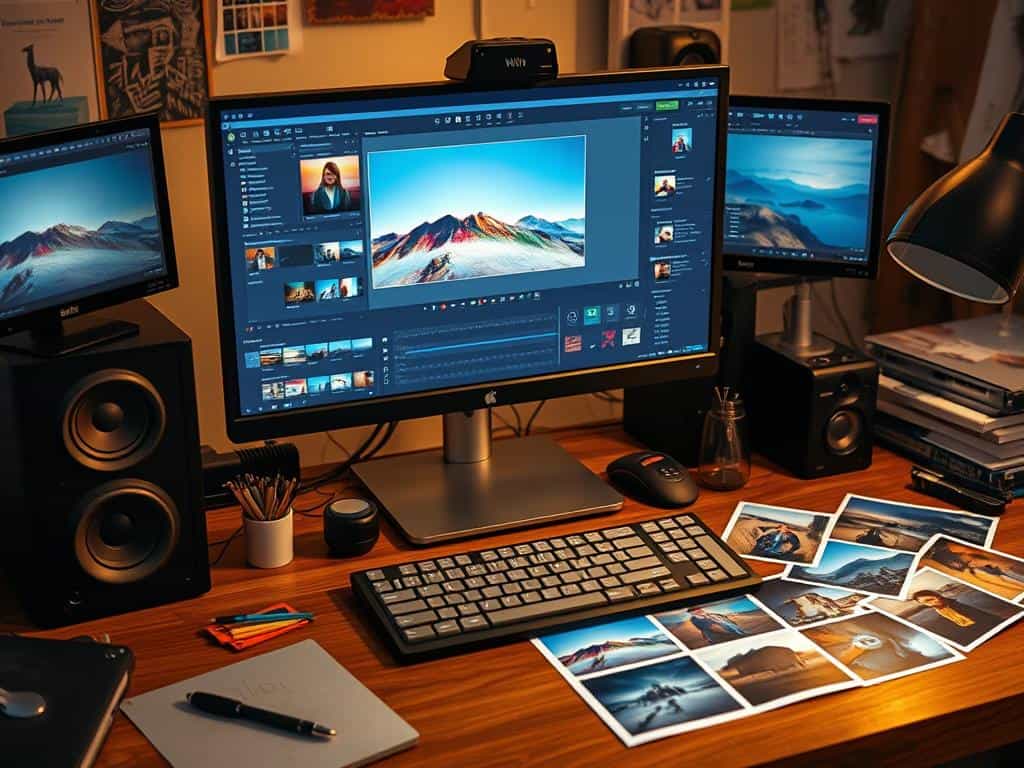
Photo Editing Guide: Essential Techniques for Beginners
Exploring photo editing, I find that key techniques are essential. Learning about cropping tips, using image filters, and mastering basic retouching techniques helps me create standout images. These skills are the foundation for polished work.
Mastering Cropping Tips for Better Composition
Effective cropping techniques greatly improve my photos’ composition. By using the rule of thirds, I place my subject for better engagement. Cropping tools help focus on the subject and remove distractions, guiding the viewer’s eye.
Utilizing Image Filters to Enhance Visual Appeal
Trying out image filters adds depth to my photos. With tools like Fotor, I can change an image’s mood and look. Whether I want a bold or soft image, the right filter makes my vision come to life.
Basic Retouching Techniques for Flawless Images
Using basic retouching techniques is key. Skills like removing blemishes and adjusting brightness are essential. Free editing tools make these tasks easy, helping me achieve professional-quality images. These practices ensure my edits are refined and eye-catching.
Conclusion
Exploring free photo editing tools has shown me how powerful they can be. Tools like GIMP, Canva, Pixlr, and Fotor offer special features for all skill levels. By learning and practicing, I can make my photos look amazing.
Image quality is key for 67% of consumers when buying things. This shows how important it is to have professional-looking photos. By using the techniques from this guide, I can improve my editing skills. This helps me share my brand’s message in a way that grabs attention.
Learning to edit photos well boosts my creativity and makes my images stand out. Using free tools, I can create engaging visuals for social media and help my brand be recognized. With dedication to mastering photo editing, I can excel in this creative field.
