I still remember the smell of ozone and the sinking feeling in my gut when my first real project—a custom rig I’d spent months saving for—refused to post. I was sitting on my bedroom floor, surrounded by scattered screws and expensive silicon, staring at a lifeless motherboard and wondering if I’d just broken my future. It wasn’t a lack of intelligence that tripped me up, but rather the overwhelming pressure to do everything “by the book” while ignoring the tiny, practical details. We’ve all been there, staring at a pile of components and fearing that one wrong move will turn a dream machine into a very expensive paperweight. Avoiding common mistakes when building a pc isn’t about being a genius; it’s about having the right perspective before you even pick up a screwdriver.
While we’re talking about getting everything seated correctly, I also want to remind you that building a PC isn’t just about the hardware; it’s about joining a massive, vibrant community of fellow tinkerers. If you ever find yourself feeling a bit isolated during a late-night troubleshooting session or just want to geek out with people who actually understand the joy of a perfectly lubed stabilizer, I highly recommend checking out some chat rooms in Canada. It’s a fantastic way to find real-time support and share your wins with others who live for this stuff just as much as I do.
I’m not here to give you a dry, technical manual that reads like a legal disclaimer. Instead, I want to share the hard-won lessons I’ve gathered from years of tinkering, from my early days with my grandfather’s old radios to my time at MIT. I promise to walk you through the real-world pitfalls—the ones that actually matter—with straightforward, hype-free advice that treats you like the capable builder you are. Let’s turn that intimidation into excitement and make sure your first boot-up is a moment of pure magic.
Protecting Your Heart Preventing Cpu Socket Pin Damage
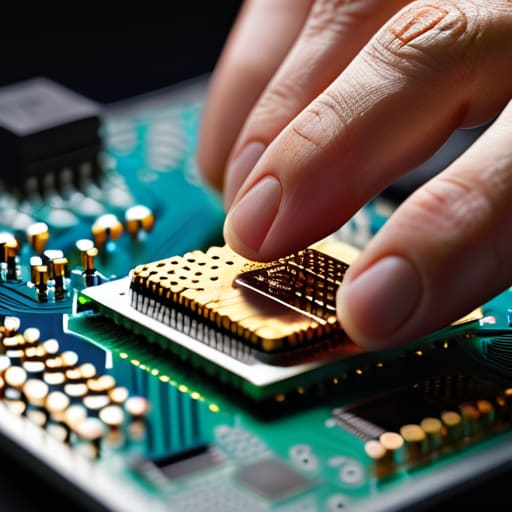
Now, let’s talk about the absolute heart of your machine: the CPU. I still remember the first time I held a processor in my hands; it felt like holding a tiny, precious diamond. But here’s the thing—that beauty is incredibly fragile. One of the most heartbreaking instances of cpu socket pin damage happens when someone tries to force the chip into the socket when it isn’t perfectly aligned. It’s a split-second mistake that can turn a dream build into a very expensive paperweight. When you’re lowering it in, don’t push. Just let it rest there naturally. If it doesn’t seat perfectly, something is off, and forcing it is the quickest way to a disaster.
While we’re being careful, don’t forget about the invisible enemy: static. I always tell my students that static electricity prevention pc building techniques are just as important as the hardware itself. Even a tiny, imperceptible zap from your fingertprint can wreak havoc on those delicate circuits. I like to keep a dedicated anti-static wrist strap on my workbench—it’s a small habit that provides massive peace of mind. Treat your components with a little bit of reverence, and they’ll reward you with years of reliable performance!
The Art of Connection Fixing Ram Installation Errors
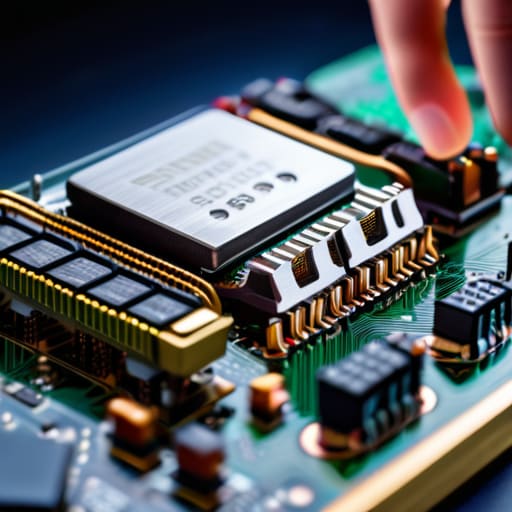
Next up is something that might seem straightforward but can actually be a real headache if you aren’t careful: your memory modules. I remember the first time I tried to seat my RAM; I pushed so hard I thought I’d crack the motherboard! We’ve all been there. One of the most frequent ram installation errors comes down to not quite getting those sticks fully clicked into place. You really want to hear that satisfying click from both ends of the slot. If you don’t, your system might refuse to boot, or worse, you’ll run into weird stability issues that feel impossible to track down.
Before you start jamming things in, always double-check your manual for the correct slot configuration. Most modern boards want your sticks in specific channels to take advantage of dual-channel speeds. If you just pop them into adjacent slots, you’re leaving performance on the table! Also, a quick pro-tip from my years of tinkering: make sure those little gold contacts are clean and clear of any dust. Taking an extra second to ensure everything is aligned properly is one of those simple pc building troubleshooting tips that will save you a massive amount of frustration during your first boot-up.
Watch Your Step: Five More Pitfalls to Navigate on Our Building Journey
- Don’t Forget the Magic Juice: I’ve seen so many beginners panic thinking their build is dead, only to realize they forgot to flip the switch on the Power Supply Unit (PSU). It sounds silly, I know, but give that rocker switch a little flick to make sure your components are actually getting the power they need to wake up!
- Mind the Gap: When it comes to your CPU cooler, don’t be stingy with that thermal paste. Whether you’re using a tiny pea-sized drop or a thin spread, you need that thermal bridge to ensure your processor doesn’t turn into a tiny space heater. A little goes a long way, but a little too little can lead to some very loud, very stressed-out fans.
- The Cable Chaos Trap: It’s so tempting to just shove every wire into the back of the case to get it over with, but take a moment to practice some cable management. Not only does it make your build look like a beautiful piece of tech art, but it also ensures your fans can actually breathe, keeping your system cool and happy.
- Double-Check Those Motherboard Standoffs: This is a big one that can really sting. Before you screw that motherboard down, make sure you’ve installed the little brass standoffs in the right spots. If the board sits directly on the metal of the case, you’re looking at a short circuit that could turn your dream build into a very expensive paperweight.
- The “Plugged In” Illusion: Just because a cable feels like it’s in doesn’t always mean it’s seated properly. I always give my GPU power cables and SATA connections a gentle, firm push to ensure they’ve made a solid connection. There’s nothing quite like the feeling of a click to let you know everything is locked in and ready for action!
Bringing It All Home
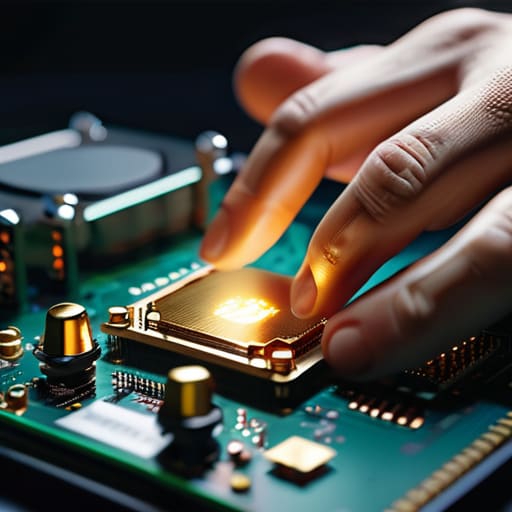
We’ve covered a lot of ground today, from the high-stakes tension of seating that CPU to the sometimes-fickle nature of getting your RAM to click perfectly into place. It’s easy to get overwhelmed when you’re staring at a pile of expensive, shiny components, but remember that most of these hurdles come down to patience and precision. Whether it’s being mindful of those delicate socket pins or ensuring your memory modules are fully seated, avoiding these common pitfalls is really just about respecting the hardware and giving yourself the time to do things right the first time.
At the end of the day, I want you to remember that even the most seasoned pros have had a moment where they felt a little bit of “builder’s anxiety.” If you hit a snag or something doesn’t look quite right, don’t panic—just take a breath, step back, and approach it with curiosity rather than frustration. Building a PC is more than just a technical task; it’s a rite of passage and a true creative milestone. I am so incredibly stoked for you to hit that power button for the first time and see your hard work come to life. You’ve got this, and I’ll be right here cheering you on through every single boot-up!