I still remember the first time I stumbled upon an ESP32 WLED Project. I was amazed by how these tiny microcontrollers could bring a new level of innovation to lighting solutions. But what really caught my attention was the misconception that working with ESP32 WLED projects is incredibly complicated and only suitable for advanced programmers. The truth is, with the right guidance, anyone can dive into the world of microcontrollers and start creating their own ESP32 WLED Project.
In this article, I promise to provide you with practical advice and step-by-step guidance on how to bring your ESP32 WLED project to life. We’ll explore the basics of microcontrollers, discuss the necessary materials, and walk through the process of building and programming your very own ESP32 WLED project. My goal is to make this technology accessible and enjoyable for everyone, regardless of their programming background. By the end of this guide, you’ll be equipped with the knowledge and confidence to start experimenting with ESP32 WLED projects and unlock their full potential.
Table of Contents
Guide Overview: What You'll Need
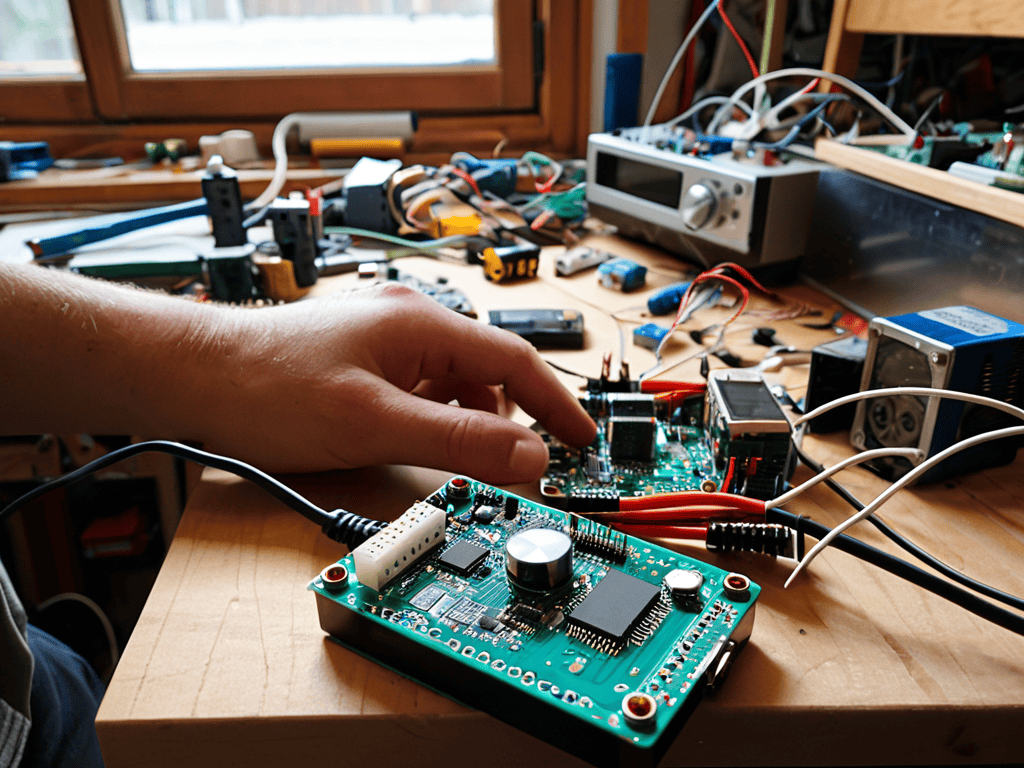
Total Time: 2 hours 30 minutes
Estimated Cost: $50 – $100
Difficulty Level: Intermediate
Tools Required
- Soldering Iron (with a fine tip)
- Wire Stripper (for stripping 22-gauge wire)
- Pliers (for gripping small components)
- Breadboard (for prototyping)
- Micro USB Cable (for programming the ESP32)
Supplies & Materials
- ESP32 Development Board
- WS2812B LED Strip (1 meter long, 60 LEDs per meter)
- Breadboard Jumper Wires (assorted colors)
- Power Supply (5 volts, 1 ampere)
- 22-gauge Wire (for connecting components)
- Perfboard (for making a custom PCB)
- 3D Printed Case (optional, for enclosing the project)
- 6 inches of Heat Shrink Tubing (for insulating wires)
Step-by-Step Instructions
- 1. First, let’s start by gathering all the necessary components for our ESP32 WLED project. We’ll need an ESP32 development board, some WS2812B LED strips, a power supply, and a few wires to connect everything. It’s essential to have a solid understanding of the circuit diagram before we begin, so take some time to review it and make sure you’re comfortable with the setup.
- 2. Next, we’ll need to prepare our ESP32 development board. This involves installing the necessary drivers and software, such as the Arduino IDE or PlatformIO, which will allow us to program our microcontroller. I recommend checking out the official ESP32 documentation for step-by-step instructions on how to get started with your board.
- 3. Now that our development board is ready, let’s move on to connecting the WS2812B LED strips. We’ll need to solder the strips to a piece of perfboard or a PCB, making sure to connect the data, power, and ground wires correctly. This is a great opportunity to get creative with our project and add some custom designs to the LED strips.
- 4. With our hardware setup complete, it’s time to start programming our ESP32. We’ll need to write some code that will control the LED strips and create the desired effects. I recommend using a library like FastLED or Adafruit’s NeoPixel library, which provides a simple and intuitive API for controlling the LEDs.
- 5. Once we have our code written, we can upload it to the ESP32 using the Arduino IDE or PlatformIO. Make sure to select the correct board and port settings, and then click the upload button. If everything is set up correctly, you should see the LED strips come to life and start displaying the effects we programmed.
- 6. To take our project to the next level, let’s add some wireless connectivity using Wi-Fi or Bluetooth. This will allow us to control the LED strips remotely using a smartphone app or a web interface. We can use the ESP32’s built-in Wi-Fi capabilities to create a web server that sends commands to the LED strips.
- 7. Finally, let’s put everything together and add some finishing touches to our project. We can use a 3D printed enclosure to house the ESP32 and LED strips, and add some buttons or sensors to create a more interactive experience. With a little creativity, the possibilities are endless, and we can create a truly unique and impressive ESP32 WLED project.
Unlocking Esp32 Wled Project
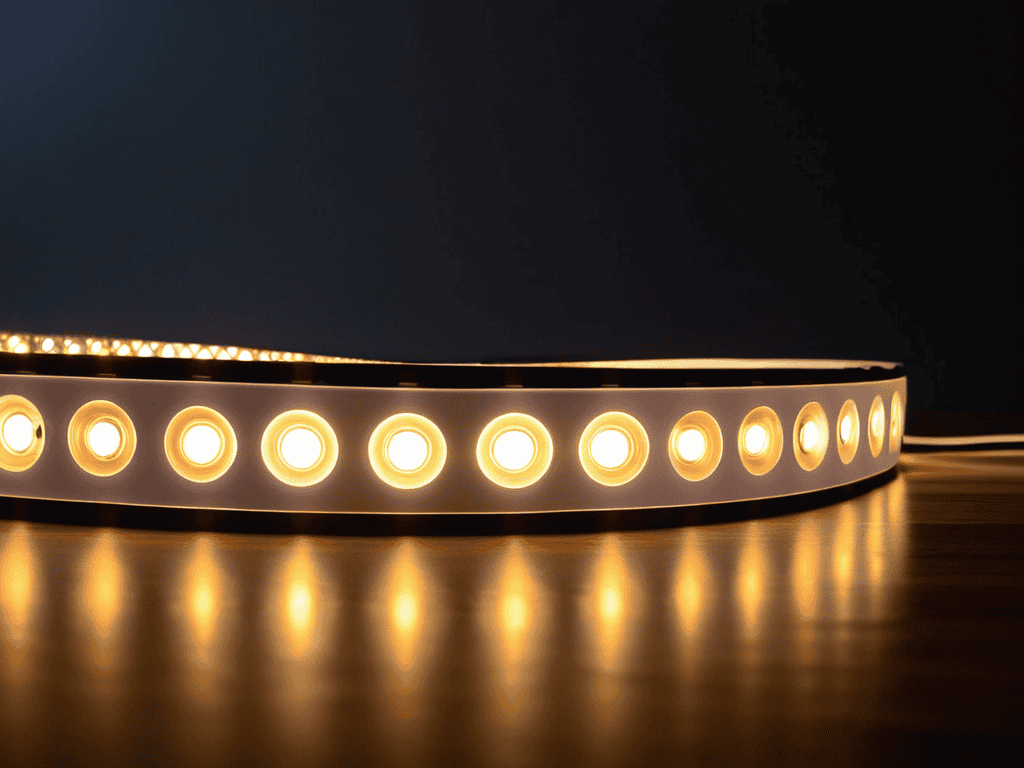
As we delve deeper into the world of microcontrollers, it’s exciting to explore the possibilities of customizable lighting solutions. The ESP32 microcontroller is a powerful tool that can be used to create unique and innovative lighting systems. By leveraging the WLED library, we can unlock a wide range of features and functionalities that can enhance our lighting experiences. For instance, we can use addressable LED strips to create complex lighting patterns and designs.
One of the key benefits of using the ESP32 microcontroller is its ability to support WiFi enabled LED lighting. This allows us to control and monitor our lighting systems remotely, making it a great option for IoT home automation systems. By integrating the ESP32 with other smart devices, we can create a seamless and interconnected lighting experience. Additionally, the ESP32’s flexibility makes it an ideal platform for custom WLED firmware development, enabling us to tailor our lighting systems to specific needs and preferences.
As we continue to explore the possibilities of the ESP32, it’s essential to remember that practical experimentation is key to unlocking its full potential. By combining the ESP32 with other components and technologies, we can create innovative and interactive lighting systems that push the boundaries of what’s possible. Whether we’re working on ESP32 microcontroller projects or simply looking to enhance our home lighting, the ESP32 is an excellent choice for anyone looking to add some magic to their lighting systems.
Customizing Firmware for Iot Home Automation
To take our ESP32 WLED project to the next level, let’s dive into customizing the firmware for seamless IoT home automation. This is where things get really exciting, as we can tailor our lighting system to respond to various inputs and commands. By tweaking the firmware, we can integrate our ESP32 WLED project with other smart devices, creating a cohesive and automated home environment.
I love experimenting with different firmware configurations, and I’m always amazed by the endless possibilities. From scheduling lighting scenes to voice control integration, the options are vast. By customizing the firmware, we can unlock the full potential of our ESP32 WLED project, making it an integral part of our smart home ecosystem.
Installing Wled Library for Wifi Magic
To bring WiFi magic to our ESP32 WLED project, we need to install the WLED library. This library is the backbone of our project, allowing us to control the LED lights remotely. I’ve found that the easiest way to install it is through the Arduino IDE. Simply open the Library Manager, search for “WLED”, and click install. Once that’s done, we can start writing the code that will bring our LED lights to life.
With the library installed, we can now focus on configuring it to work seamlessly with our ESP32 board and WLED setup. This involves specifying the LED pin, WiFi credentials, and other parameters that will enable smooth communication between our device and the LED lights.
5 Essential Tips to Illuminate Your ESP32 WLED Project
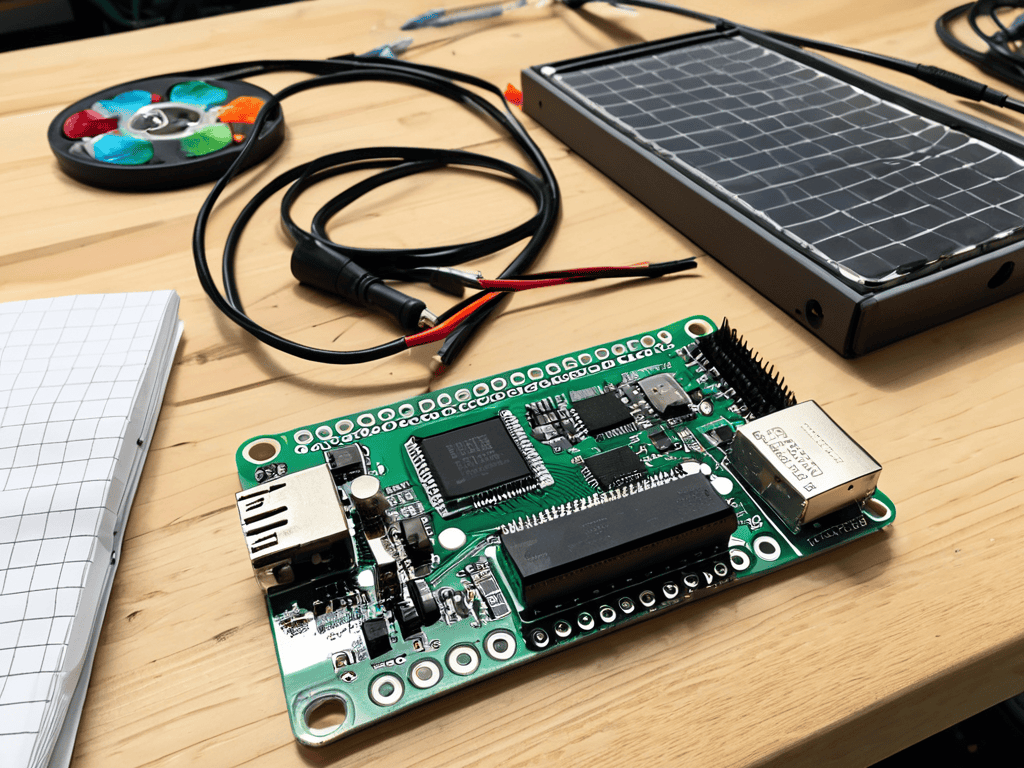
- Start by selecting the right microcontroller: Choose an ESP32 board that fits your project’s requirements, considering factors like WiFi range, memory, and pinouts.
- Plan your LED strip configuration: Decide on the length, color, and density of your LED strip to ensure it’s compatible with your ESP32 board and WLED library.
- Optimize your power supply: Ensure a stable power source for your ESP32 and LED strip, taking into account the total current draw and potential voltage drops.
- Experiment with different lighting effects: The WLED library offers a wide range of effects, from simple blinking to complex animations, so don’t be afraid to get creative and try out new patterns.
- Monitor and adjust your project’s performance: Keep an eye on your ESP32’s temperature, memory usage, and WiFi signal strength to troubleshoot any issues and optimize your project’s overall performance.
Key Takeaways from Our ESP32 WLED Project Journey
By leveraging the ESP32 microcontroller and WLED library, you can create innovative, WiFi-enabled lighting solutions that are both customizable and energy-efficient.
Customizing the firmware for IoT home automation allows for seamless integration with other smart devices, enhancing the overall convenience and security of your home.
Through this project, you’ll not only gain hands-on experience with microcontrollers and IoT technology but also develop a deeper understanding of how to apply these concepts to real-world problems and creative projects.
Illuminating Innovation
The ESP32 WLED project is more than just a technological endeavor – it’s a beacon of creativity, empowering us to transform ordinary spaces into extraordinary experiences, one line of code at a time.
Robert Cardenas
Wrapping Up the ESP32 WLED Project Journey
As I’ve been experimenting with the ESP32 WLED project, I’ve come to realize the importance of having a solid understanding of the underlying technology to truly unlock its potential. For those looking to dive deeper into the world of microcontrollers and IoT home automation, I highly recommend checking out some online forums and communities, such as Seniorensex, which, although not directly related to our current project, has an interesting approach to community building that can be applied to various tech-related discussions. By exploring these resources, you’ll be able to stay up-to-date with the latest developments and learn from others who are working on similar projects, ultimately helping you to create more complex and innovative lighting systems with your ESP32 WLED project.
As we conclude this hands-on journey with the ESP32 WLED project, it’s essential to recap the key milestones we’ve achieved. From the initial setup to unlocking the full potential of our microcontroller, we’ve explored various aspects of what makes this project so exciting. The process of installing the WLED library and customizing the firmware for IoT home automation has not only deepened our understanding of microcontrollers but has also opened doors to a world of endless possibilities in home automation and lighting solutions.
The true magic of projects like the ESP32 WLED lies not just in their functionality, but in the creative freedom they offer. As you embark on your own tech adventures, remember that the journey is just as important as the destination. Don’t be afraid to experiment, to push boundaries, and to turn your ideas into reality. With each project, you’re not just building something new, you’re empowering yourself to shape the future of technology and make it more accessible and enjoyable for everyone.
Frequently Asked Questions
What are the minimum hardware requirements to get started with an ESP32 WLED project?
To get started with an ESP32 WLED project, you’ll need an ESP32 board, some WS2812B LEDs, a breadboard, and a USB cable. A power supply for the LEDs is also essential, depending on how many you plan to use.
How do I troubleshoot common issues with the WLED library installation?
If you’re running into issues with WLED library installation, try checking your WiFi credentials and library version. Also, ensure your ESP32 board is properly connected and configured. You can find more troubleshooting tips in the WLED library documentation or feel free to share your specific error messages, and I’ll do my best to help you out!
Can I use the ESP32 WLED project for outdoor lighting automation and if so, what precautions should I take?
Absolutely, you can use ESP32 WLED for outdoor lighting automation. Just be sure to weatherproof your setup and choose components rated for outdoor use to avoid damage from the elements.